A password like “Password123” is an obvious weak spot. But personal passwords, like your pet’s name, can be easier to guess than you might think. Attackers can take those kinds of clues and bruteforce different password combinations until they find one that works.
While brute-force attacks might sound like an old-school hacking technique, they’re still very much in play. In 2023, hackers gained access to UK transport company, KNP, by guessing an employee’s password. They then locked the company out of its systems with ransomware, and the company eventually went under.
We’ll break down how brute-force attacks work and what you can do to protect your accounts and passwords.
How Does a Brute Force Attack Work?
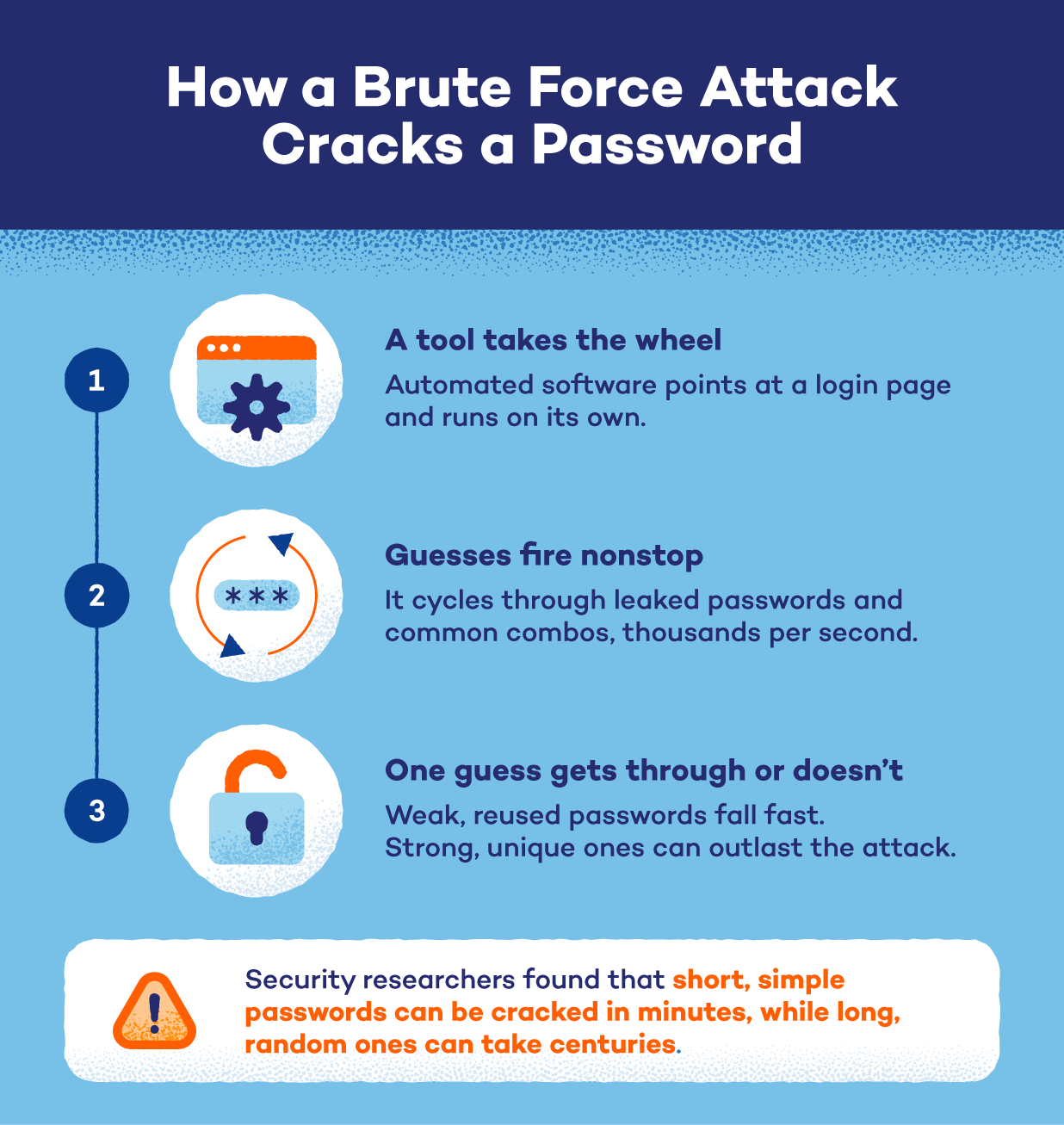
In cybersecurity, a brute force attack means using trial and error to guess passwords and other confidential login information. The attacker first identifies a target (or targets) and gathers information that could help them, such as a username or email address.
Then, they use software to make repeated password attempts and work through a list of possible passwords. The process continues until the attacker finds the right password or runs out of options. Once they get the password, they can use it to access your account and whatever information is available to them.
Types of Brute Force Attacks
Attackers can go about bruteforcing your passwords in several ways. Some rely on guessing common password combinations, while others use information from previous breaches.
Ultimately, the approach they use depends on what they know about the target and what they’re trying to access.
Here are some common types of brute force attacks.
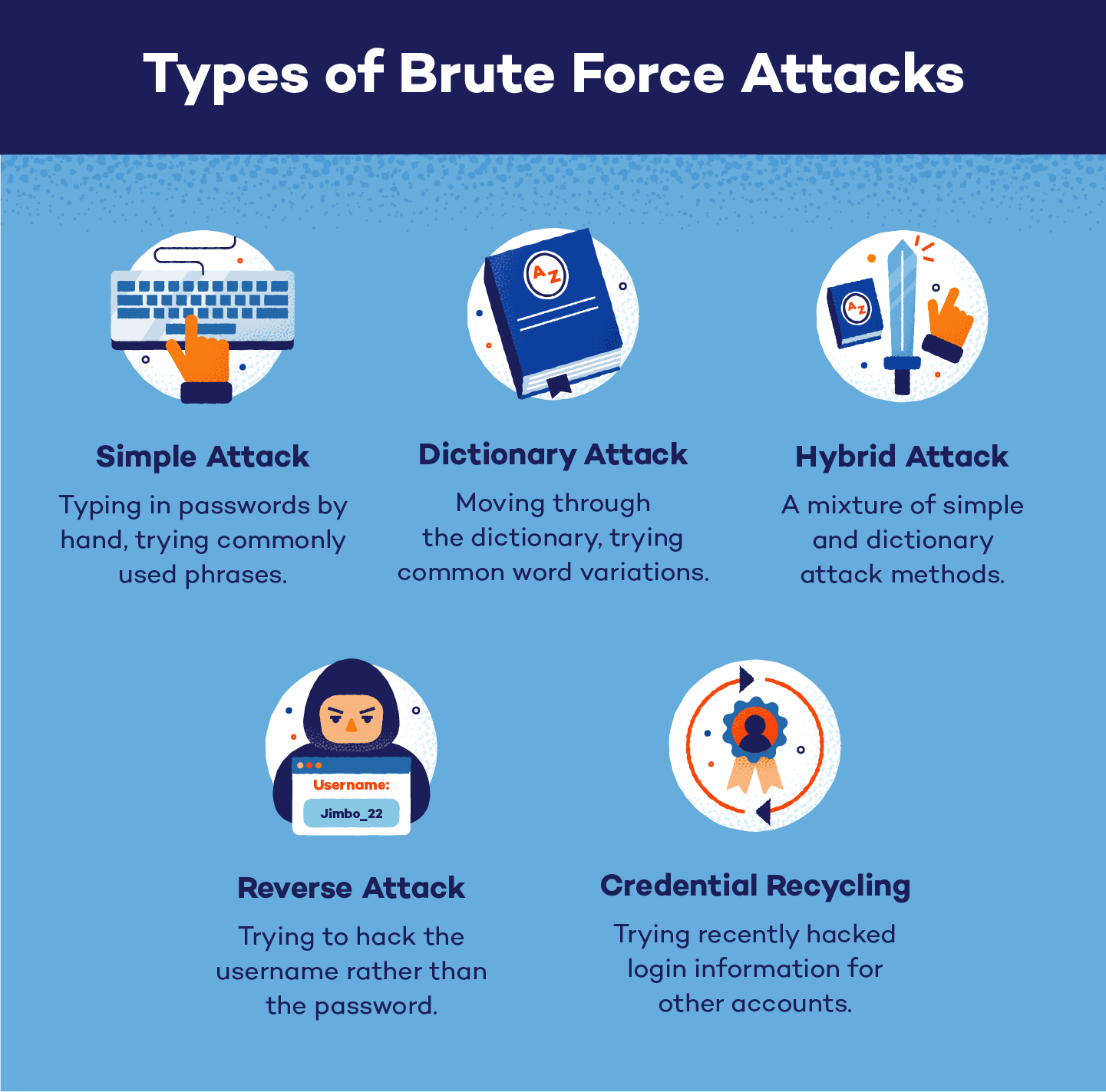
Simple Brute Force Attack
Simple brute force attacks are just that — simple. This is the most basic method, where a hacker attempts to guess login credentials by hand, without the aid of a computer. This tactic works when the target has extremely basic passwords, such as “password,” their birthday or other easily identifiable information.
Dictionary Attack
A dictionary attack uses a digital list (dictionary) of probable words and phrases to guess someone’s password. To build it, the bad actor focuses on familiar words and predictable patterns that people commonly use, rather than trying every possible combination. Because this dictionary is limited to likely choices, the attacker can move through guesses quickly.
Credential Stuffing
Credential stuffing uses stolen usernames and passwords to break into accounts on other websites or services.
The attacker gets a list of login details — often from the dark web or a data breach — and tries those same combinations on your other accounts. And this usually works in the attacker’s favor because many people often reuse passwords across multiple accounts.
Hybrid Brute Force Attack
A hybrid brute force attack combines a dictionary attack with traditional guessing. The attacker starts with common words or leaked passwords, then adds other characters or swaps letters to create new guesses.
For example, a password like “Dreamer” might become “Dreamer2020” or “Dr3am3r”.
Reverse Brute Force Attack
Reverse attacks happen when hackers know the password for an account, but not the username. The attacker chooses a common (or previously exposed) password and tries it against many different usernames to gain unauthorized access to your account.
This method also makes an attack easy to miss. Security systems often flag several failed login attempts on the same account. But trying one password across several accounts can avoid those same warnings or lockouts.
Password Spraying
A password spraying attack uses one common password to try to break into many different accounts. The attacker starts with a password such as a common default or weak phrase and tests it across many usernames before moving on to another password.
Why Do Attackers Use Brute Force Attacks?
Attackers use brute force attacks because a successful password guess can give them an easy, low-cost way into your account. Weak or reused passwords make this easier, especially when attackers can automate repeated login attempts.
Once they get the right password, they may use the account to:
- Steal personal information from emails, messages, photos or files.
- Commit financial fraud by accessing payment details or making purchases.
- Take over the account by changing the password or recovery details.
- Spread malware by sending malicious links or files to the victim’s contacts. In some cases, malware can also spread to other devices on the same router by exploiting other existing vulnerabilities.
Signs You May Be a Target of a Brute Force Attack
Brute force attacks can leave clues, especially when someone makes multiple attempts to log in to your accounts. Don’t assume your account is safe just because you can still log in. An attacker may have already installed viruses or malware without locking you out.
Here’s what to watch for:
- Repeated failed login alerts you didn’t trigger: You receive notifications about unsuccessful login attempts when you haven’t been trying to sign into the account yourself.
- Account lockout notifications: You get an alert that your account is temporarily locked because of too many failed login attempts.
- Login attempts from unfamiliar locations or devices: You see a sign-in attempt you didn’t make, and the location or device isn’t yours.
- Sudden password reset emails you didn’t request: You receive a password reset link or notification without asking for one.
- Unusual account activity or changes you don’t recognize: Your password or account settings have changed without your knowledge.
How to Protect Yourself From Brute Force Attacks
A strong password is your first line of defense against brute-force attacks, but it shouldn’t be your only one. Here are a few simple tips to secure your online accounts from attackers.
Create stronger passwords
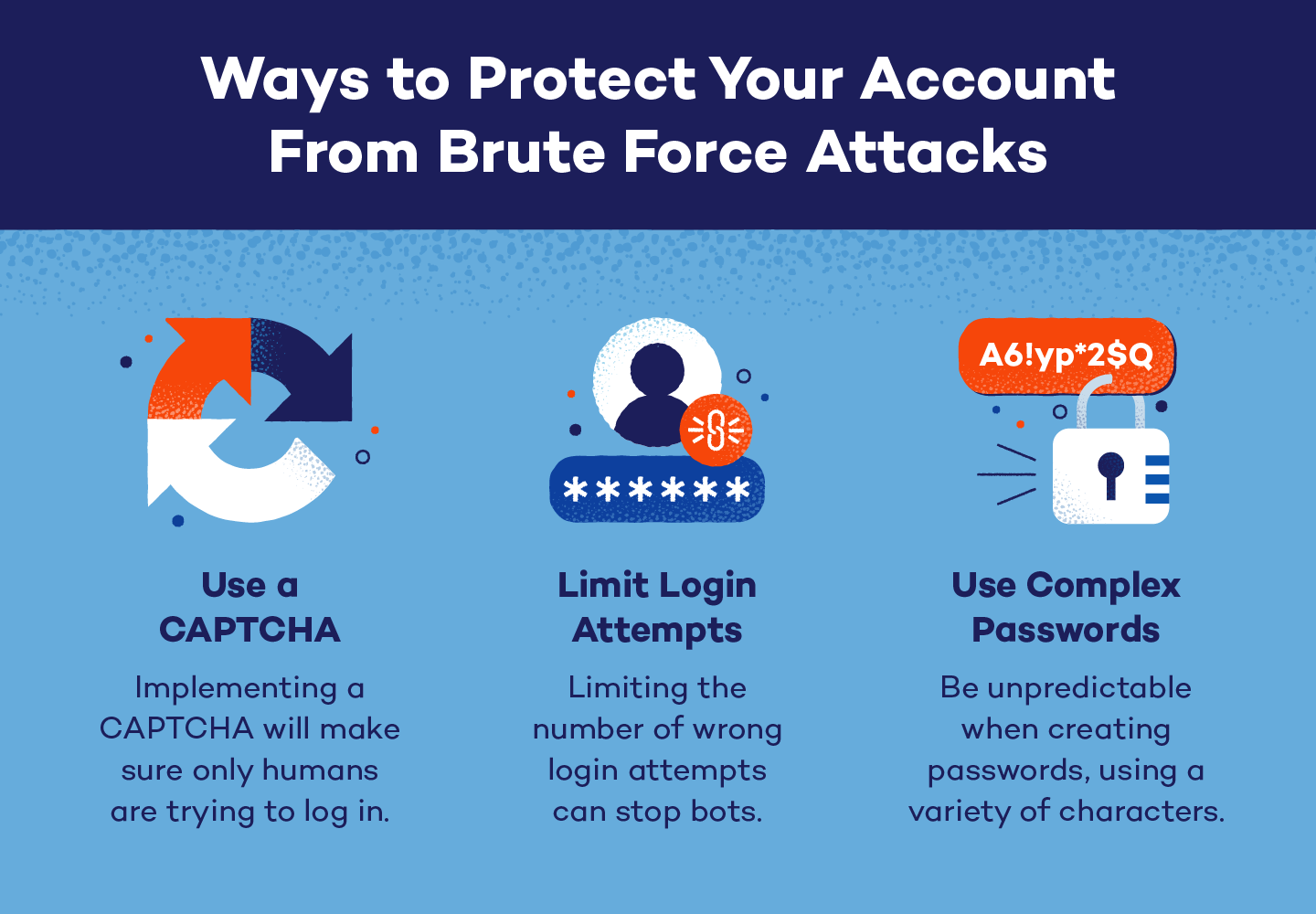
Use a longer password with a mix of words, random capitalizations, numbers and symbols. Avoid personal information such as your name, hometown or job, especially anything that could be found by analyzing your digital footprint.
Use a different password for every account, too. Reusing a password means one stolen password could put several accounts at risk, since attackers can try it on other services where you use the same login.
For an easier way to keep your passwords strong and secure across your accounts, try Panda Dome Password Manager. You can manage unique passwords across devices and even check whether any of your passwords have been exposed on the Dark Web.
Add another layer of protection
Even a strong password can be exposed, so it helps to have another barrier between an attacker and your account. Enable multi-factor authentication (MFA) wherever possible.
MFA adds another step when you sign in, such as a code or approval on your phone, so knowing your password alone isn’t enough to access the account.
Keep an eye on account activity
Brute-force attacks don’t always succeed on the first try, so unusual login activity can be an early warning that someone is trying to get into your account. Don’t ignore notifications about failed login attempts or unfamiliar sign-ins.
Check the account, change your password if necessary and make sure MFA is turned on.
Stronger Security Starts With Panda Dome
A brute force attack often comes down to whether an attacker (and their automated tools) can guess your password. Good password habits and extra security measures can make your accounts a much harder target.
Panda Dome Password Manager makes this easier by generating and managing passwords for you, so you can use a different password for each account without having to remember them all.
And if you want protection that goes beyond passwords, Panda Security protects your devices from malware and other online threats. You also get access to tools for safer browsing, privacy and data protection. That way, your online privacy is well-protected.
Frequently Asked Questions
Do Hackers Still Use Brute Force?
Yes, hackers still use brute force attacks. Especially as automated tools can test large numbers of passwords and adjust how they make login attempts. AI can also automate parts of the process, such as analyzing login forms.
How Long Will it Take to Crack My Password?
Cracking time depends on your password’s length and how predictable it is. Longer, less predictable passwords take much longer to crack, while short or common passwords can be guessed quickly. Password length matters more than simply adding a few symbols or numbers, so aim for a long, unique password for every account.
What Tools Do Hackers Use for Brute Force Attacks?
To execute brute force attacks, hackers use tools such as Hashcat, John the Ripper and THC Hydra for automated password guessing. These tools can test large numbers of passwords or login credentials much faster than a person could.
What Is a Real-Life Example of a Brute Force Attack?
A recent example of a brute force attack happened in 2024, when Mandiant (a cybersecurity firm itself) had its X account taken over. After investigating, Mandiant said the account was likely compromised through a brute force password attack. They also said that 2FA would normally have prevented the attack.
How Does Multi-Factor Authentication Stop Brute Force Attacks?
Multi-factor authentication (MFA) adds another step after your password. So even if an attacker guesses or steals your password, they still need the second factor to get into your account. This makes it a lot harder for a brute-force attack to succeed.
What’s the Difference Between a Brute Force Attack and a Dictionary Attack?
A brute force attack is the broader hacking strategy where an attacker tries different password combinations until one works. A dictionary attack takes a more targeted approach by trying common words and passwords from a prepared list.
Both rely on repeated guesses, but dictionary attacks narrow the search to passwords people are more likely to use.
What’s the Most Hacked Password?
“123456” is one of the most common and easily guessed passwords in the world. Other common choices include simple number sequences such as “12345678” and “123456789.” When it comes to words, “password” and “qwerty” are among the most commonly guessed passwords.