
Finding a reliable antivirus for Windows XP is harder than it used to be.
Microsoft ended support for the OS back in 2014, and most major antivirus vendors have followed suit: quietly dropping XP compatibility as their user base moved on. But a handful of solid options for additional protection remain.
Panda Security has continued to offer protection and support to all our customers with XP installed on their computers. The options below cover everything still worth considering, from full-featured security suites to free lightweight scanners, with a clear-eyed look at what each one can and can’t do on an unsupported OS.
Why Antivirus Software for Windows XP Is Tricky
Support ending means no more security patches, no bug fixes and no OS-level updates of any kind. That’s over a decade of unpatched vulnerabilities piling up with no official fix. Any new flaw discovered in XP after that date stays open permanently, because there’s no one fixing it.
Antivirus software can still help and should be running on any XP machine that connects to the internet. But it’s important to understand what antivirus can and can’t do. A good program will:
- Block known malware
- Flag suspicious activity
- Stop threats it recognizes
What it can’t do is patch the underlying operating system. As new vulnerabilities appear, antivirus software alone cannot fully close them. There are also fewer tools that offer protection, meaning users have fewer options.
The Best Antivirus Software for Windows XP: Options That Still Work
Despite the shrinking field of options, several antivirus tools still work with Windows XP. This ranges from full-featured security suites to lightweight on-demand scanners.
The right choice depends on how you use the machine and what level of protection you need. Here’s what’s still worth considering.
| Tool | XP Support Status | Pricing | Real-Time Protection | Best |
|---|---|---|---|---|
| Panda Dome Active | Active | Free + paid plans | Yes, cloud-based 24/7 | Overall |
| Avast (v18.8 legacy) | Limited | Free (legacy only) | Yes (legacy version only) | Legacy option with caveats |
| AVG (v9 legacy) | Discontinued | Free (legacy only) | Limited (outdated definitions) | Discontinued but still functional offline |
| ClamWin | Active | Free/open source | No, on-demand scans only | Free open source option |
| 360 Total Security | Active | Free + premium | Yes, multi-engine | Multi-engine option |
| Malwarebytes (legacy) | Legacy only | Free (older version) | Limited (older builds) | As a supplement |
| VirIT eXplorer Lite | Active | Free (lite version) | Yes | Niche pick for lightweight scanning |
1. Panda Dome — Best Overall for Windows XP
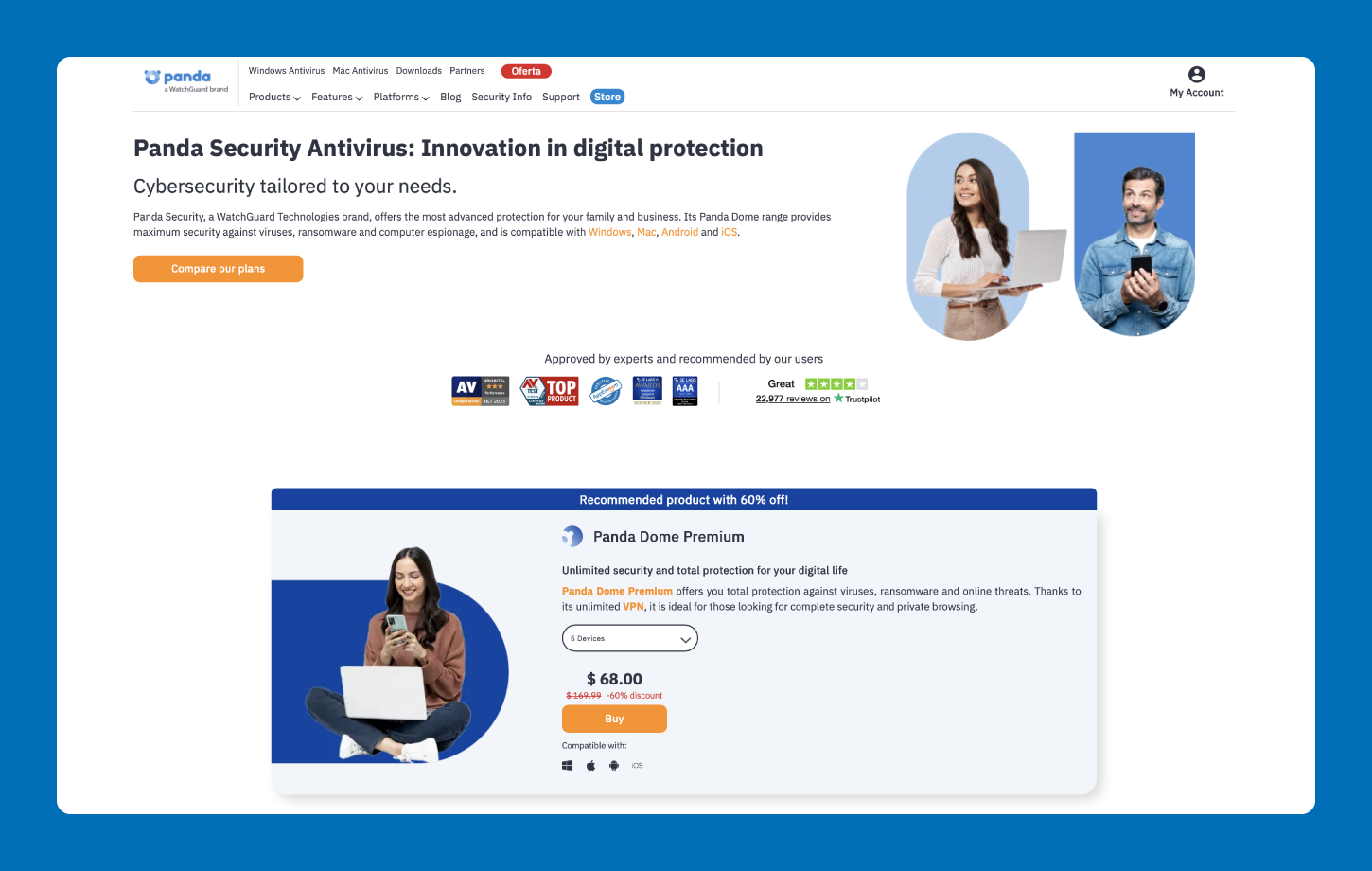
Panda Security has maintained XP support long after Microsoft walked away in 2014. That commitment still holds today, making Panda Dome one of the few actively updated options for users who haven’t been able to upgrade.
The big advantage is the cloud-based engine. Rather than relying on heavy local processing, Panda Dome handles most of the heavy lifting in the cloud, which matters a lot on older XP hardware with limited RAM and processing power. You get real-time protection without slowing your processing speed. And if budget is a concern, a free plan is available.
Panda Dome received a perfect score of 18 out of 18 in AV-Test’s evaluation of antivirus products for Windows XP, confirming it as a top-performing free option for the OS. That track record, combined with continued support and a minimal system footprint, makes it the recommended choice for most home users still running XP.
What to know:
- Only option on this list with actively maintained XP support and ongoing definition updates
- Cloud-based engine runs light on aging hardware
- Real-time protection included on the free plan
- Free and paid plans available
Pricing: Free plan available
2. Avast (Version 18.8 or Older) — Legacy Option With Caveats
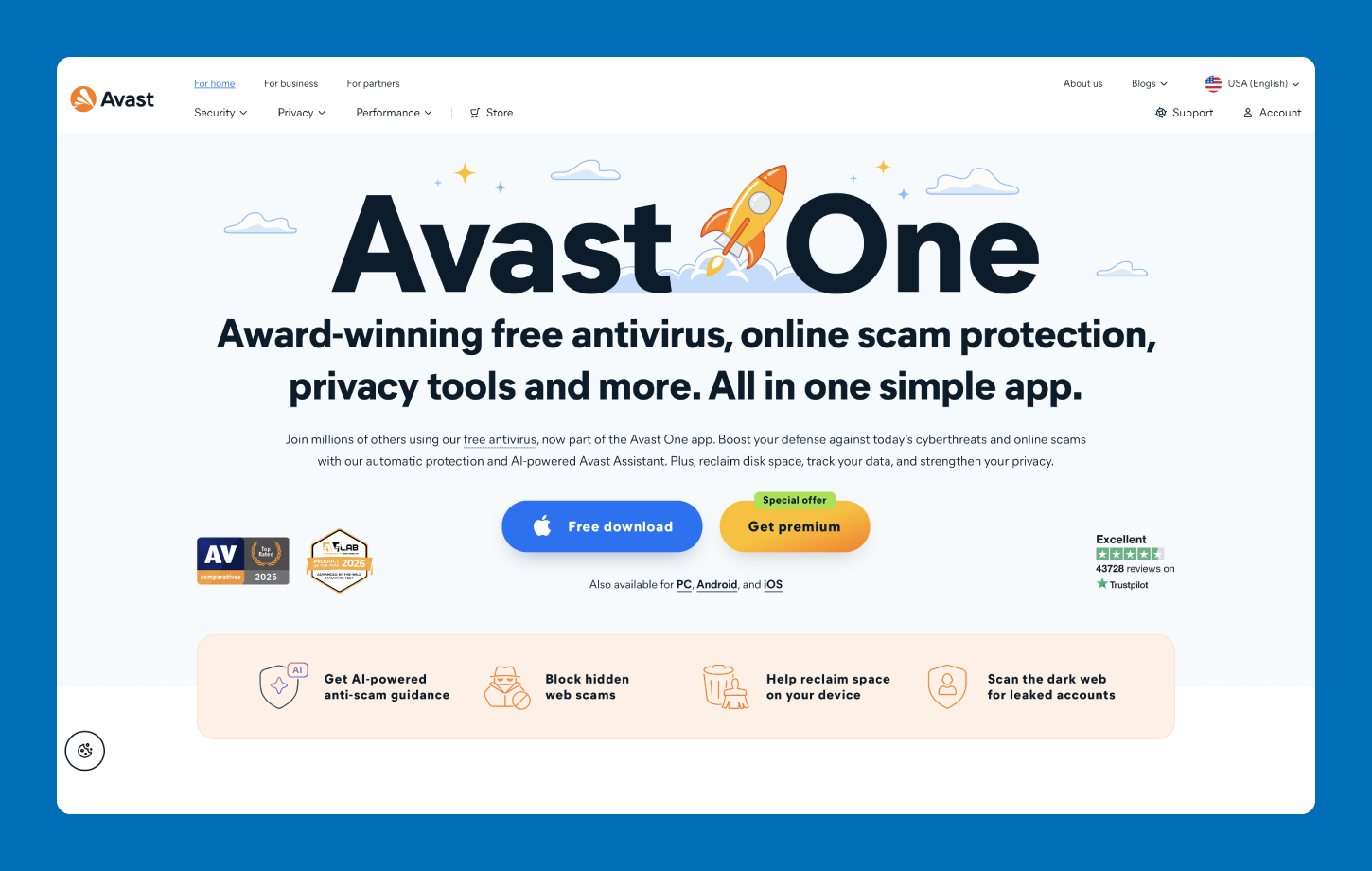
Avast version 18.8 still runs on Windows XP, but it’s important to know what that means in practice. Avast stopped testing and updating this build for XP as of October 2024, which means virus definitions may not keep pace with current threats.
For a machine that’s actively connected to the internet, this is a meaningful limitation. That said, if you already have it installed and have no immediate path to another solution, it’s better than nothing — just don’t rely on it as your only line of defense.
What to know:
- Legacy version (18.8) still runs on XP; newer versions do not
- No XP-specific updates or testing since October 2024
- Definitions may lag behind current threats
- Best suited for users who already have it installed with no alternative
Pricing: Free (legacy version only)
3. AVG (Version 9 Legacy) — Discontinued but Still Functional Offline
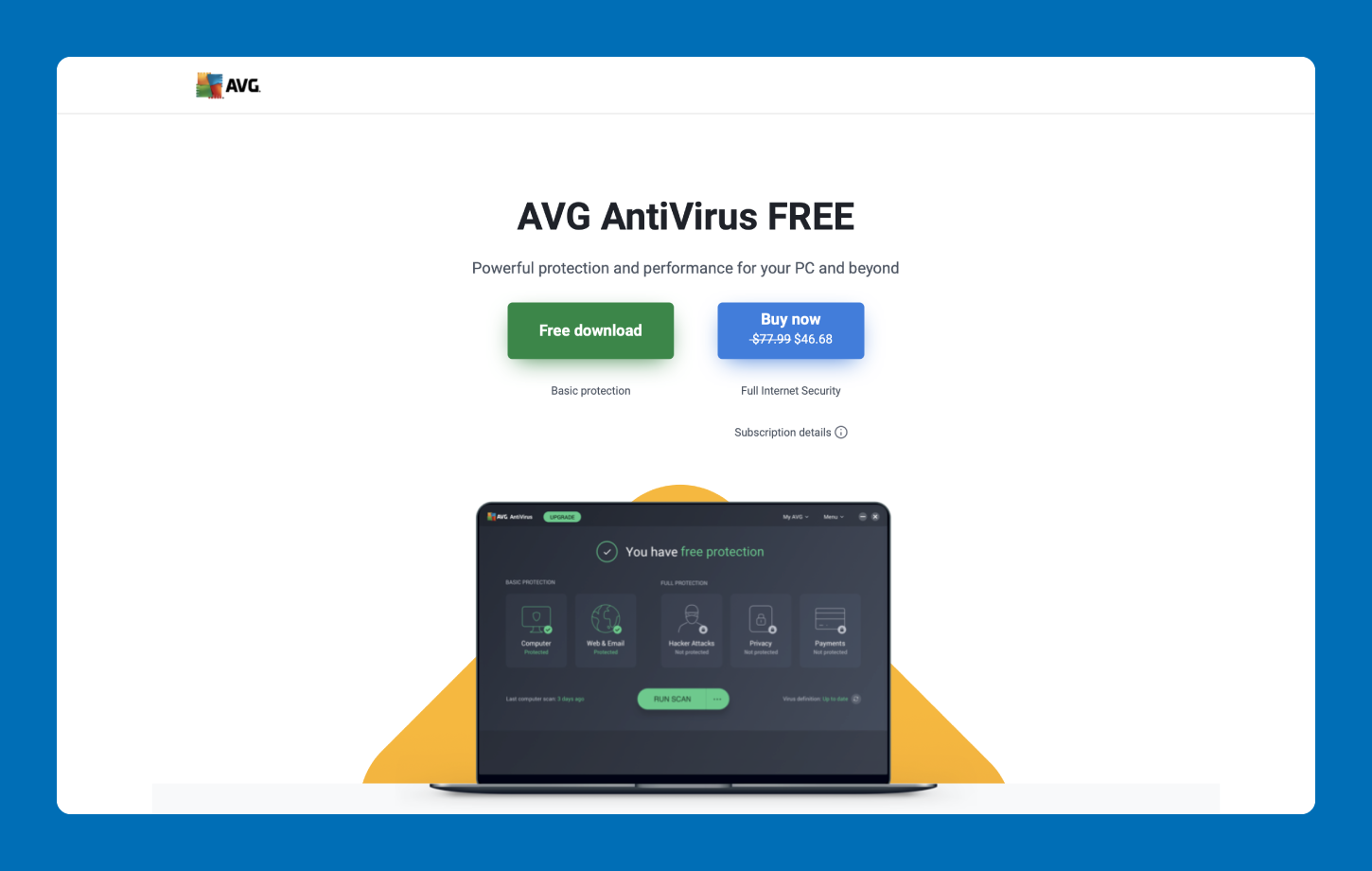
AVG’s XP-compatible version reached end of life in 2019. The legacy build (version 9) still technically runs on XP, but it no longer receives definition updates, meaning it has no awareness of threats discovered in the past several years.
For any machine that connects to the internet, this makes AVG version 9 a poor standalone choice. Where it still has a use case is on offline machines, where the threat surface is limited and up-to-date definitions matter less.
What to know:
- XP support officially ended in 2019
- No definition updates since end of life
- Not suitable as primary protection for internet-connected machines
- Reasonable supplemental option for offline or isolated systems
Pricing: Free (legacy version only)
4. ClamWin — Best Free Open-Source Option
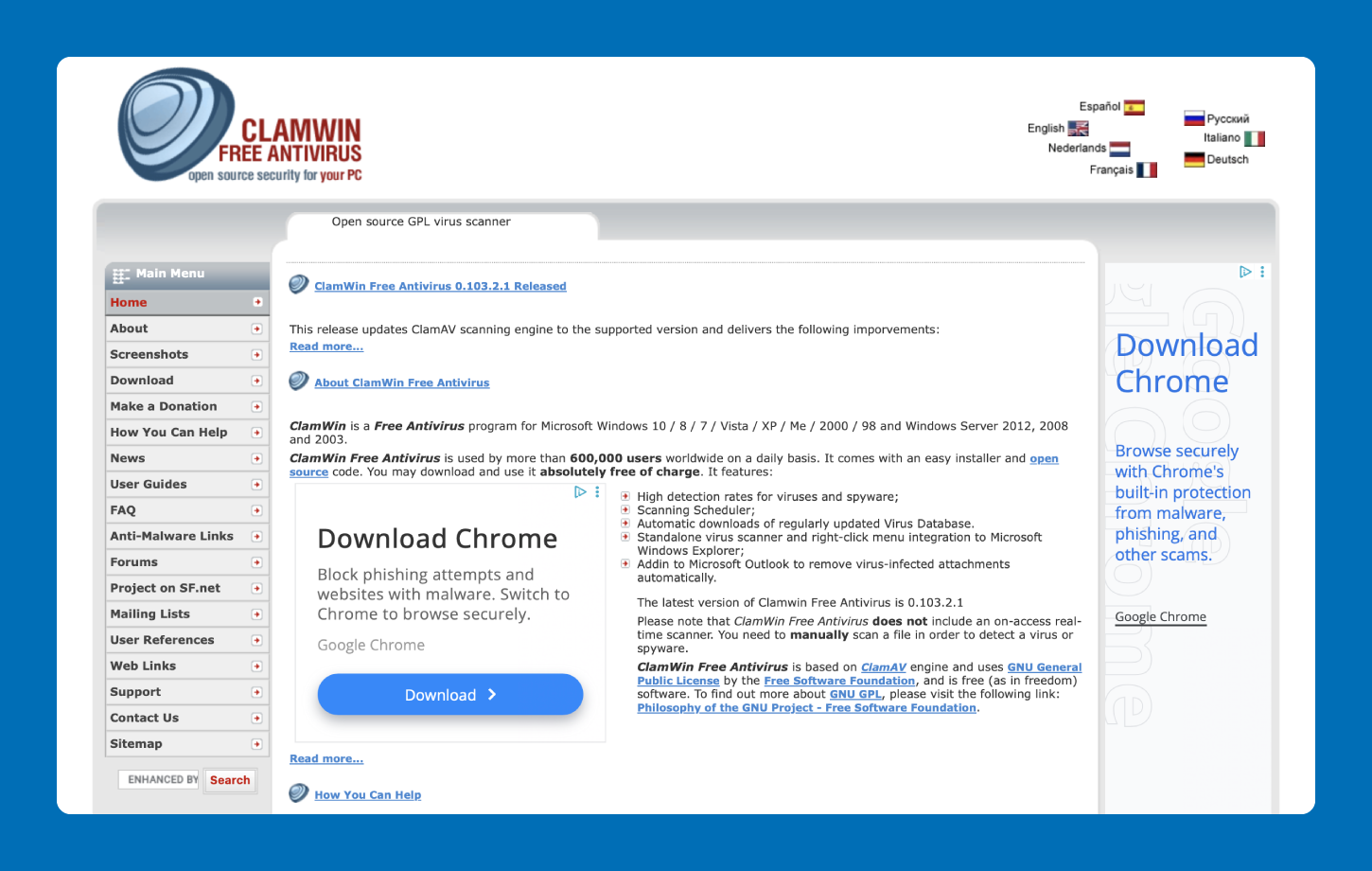
ClamWin is an open-source antivirus that remains actively maintained and compatible with Windows 95 and later. It’s a legitimate option for XP users, but there’s a critical caveat: ClamWin doesn’t offer real-time protection. It only scans on demand, meaning it won’t catch a threat as it happens.
For a tech-savvy user who understands that limitation and commits to running scheduled scans regularly, ClamWin can be a solid free option, particularly on machines that aren’t used for heavy browsing. If you’re using XP as a daily driver, the lack of real-time protection is a meaningful gap.
What to know:
- Actively maintained; compatible with Windows XP and older
- No real-time protection (on-demand scanning only)
- Scheduled scans can compensate if run consistently
- Best for users who understand the trade-off
Pricing: Free/open source
5. 360 Total Security — Multi-Engine Option

360 Total Security offers a legacy version compatible with Windows XP. Its multi-engine approach, which combines multiple scan engines into a single tool, provides broader detection coverage than single-engine alternatives.
It’s a functional option for XP users who want real-time protection and don’t mind a slightly heavier interface. Just be aware that the XP-compatible version is the legacy build, not the current release.
What to know:
- Legacy XP-compatible version available
- Uses multiple scan engines for broader threat coverage
- Real-time protection included
- Free and premium plans available
Pricing: Free, with premium options available for purchase
6. Malwarebytes (Legacy Version) — Best as a Supplement
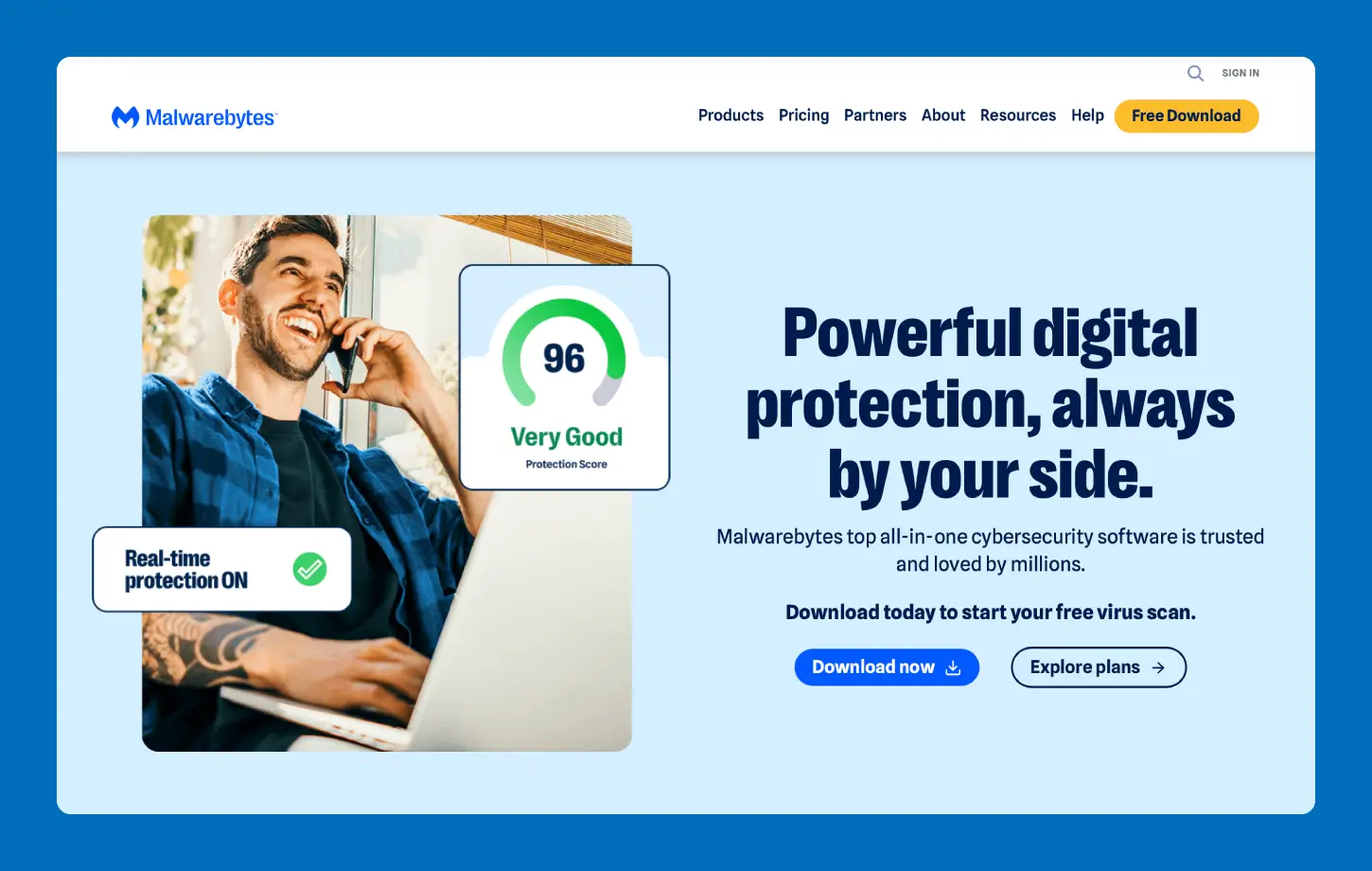
Newer versions of Malwarebytes don’t support Windows XP — but older builds still work. The key framing here is “supplement.” Legacy Malwarebytes is most useful as a second-opinion scanner for types of malware alongside a primary antivirus, not as standalone protection.
If you’re running Panda Dome as your primary tool, adding a legacy Malwarebytes scan periodically is a reasonable extra layer of protection. Don’t rely on it alone.
What to know:
- Only older builds support XP; current versions do not
- Best used as a supplemental scanner, not a primary solution
- Useful for catching malware a primary scanner may have missed
- Real-time protection limited in legacy versions
Pricing: Free (Legacy version)
7. VirIT eXplorer Lite — Niche Pick for Lightweight Scanning
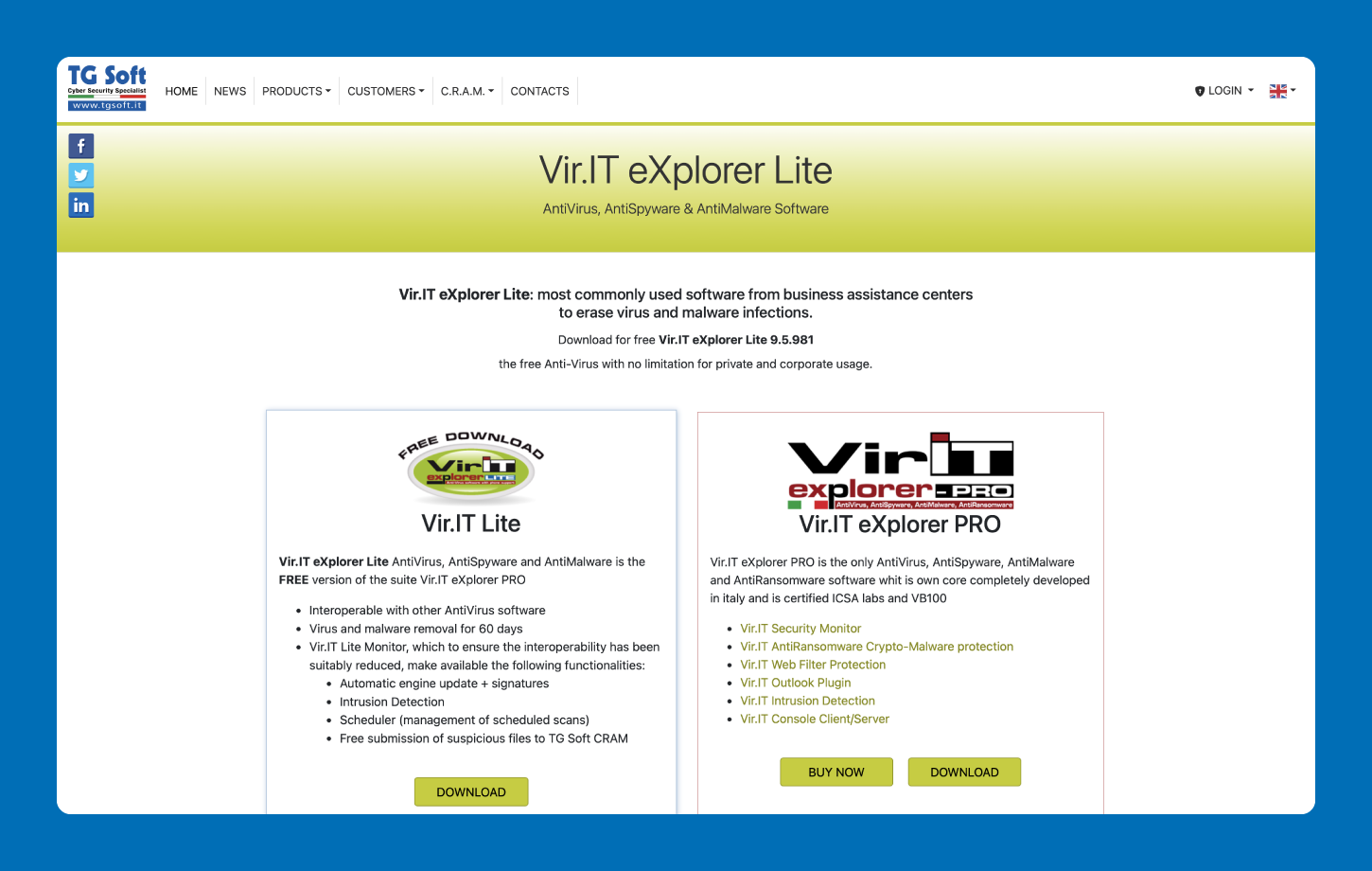
VirIT eXplorer Lite is an Italian-developed antivirus with active XP compatibility and a free lite version. It’s less well-known than the other tools on this list, but it’s legitimately maintained and offers real-time protection. The lite version covers the essentials (real-time scanning and virus removal) without requiring a paid upgrade for basic XP protection.
It’s a reasonable pick for users who want a European-based AV engine or simply want an alternative to the more commonly recommended tools above.
What to know:
- Actively maintained with XP support
- Free lite version available
- Real-time protection included
- Developed and maintained by an EU-based vendor
Pricing: Free (lite version)
How to Choose the Best Antivirus for Windows XP
Not every tool on the list above is the right fit for every situation. A few key questions should guide your decision, especially since the stakes are higher when the OS itself can’t be patched. Here are some important considerations:
- Does the machine connect to the internet? If yes, real-time protection is non-negotiable. On-demand-only tools like ClamWin can play a supporting role, but they shouldn’t be your only line of defense on a live machine.
- How old is the hardware? XP typically runs on machines with limited RAM and slower processors. Look for a lightweight tool — Panda Dome’s cloud-based engine is a strong fit here, since most of the scanning happens in the cloud rather than on the device.
- Is the tool still receiving definition updates? A virus definition is the antivirus software’s database of known threats. If a vendor has quietly wound down XP support, the software may still run, but it won’t recognize anything discovered after that cutoff. Confirm active updates before committing.
- Free or paid? Several tools on this list are free, and free is genuinely fine for basic coverage. Panda Dome’s free plan includes real-time protection and active definition updates. Paid tiers add layers like anti-ransomware, a VPN and parental controls for households that need more.
For most home users who still connect to the internet, Panda Dome is the clear choice. It has active XP support, a cloud-based engine that runs light on aging hardware and real-time protection on the free plan.
Extra Tips for Keeping Windows XP Secure
Antivirus software is an essential layer of protection, but on an unsupported OS, it can’t do the job alone. A few additional habits go a long way toward reducing the risk on an XP machine:
- Keep the machine offline when possible. The safest XP machine is one that never connects to the internet. If the computer is only used for a specific offline task — running legacy software, for example — disconnecting it from the network entirely removes the largest source of risk.
- Use an ad blocker in any legacy browser. If browsing is necessary, an ad blocker running on an older Firefox build (one that still supports XP) helps reduce the risk of drive-by downloads from malicious ads.
- Be cautious with email and links. Phishing attacks increasingly target users on older operating systems, who are less likely to have current protections in place. Avoid clicking unsolicited links or opening unexpected attachments.
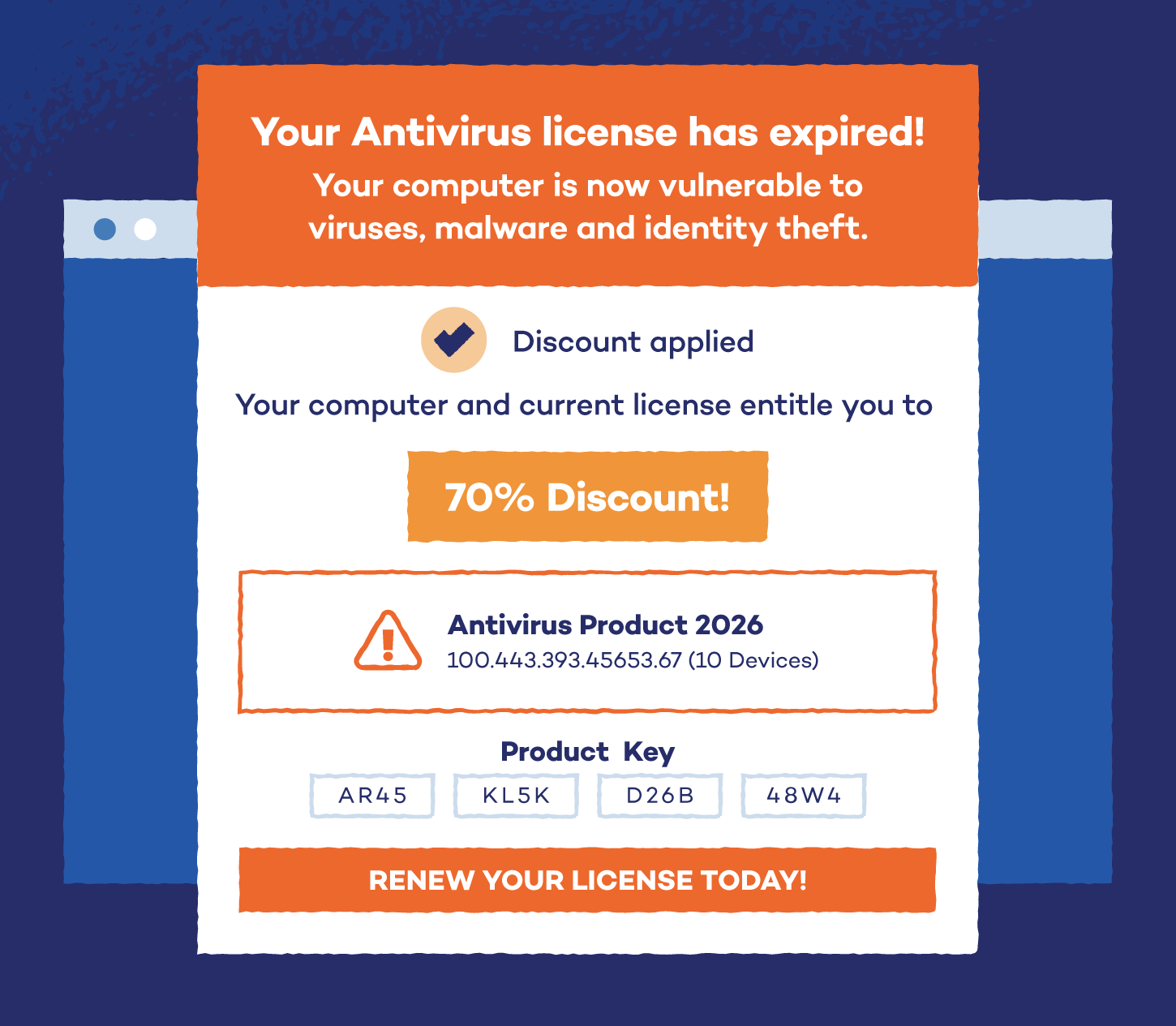
- Watch out for fake antivirus downloads. Search results for “free antivirus for Windows XP” often lead to fraudulent installers that appear legitimate. Only download software directly from the official vendor’s website.
- Transfer files via USB from a modern computer. Rather than downloading files directly on the XP machine, download them on a current OS first and transfer via USB. This keeps the riskier part of the process on a machine that’s still receiving security updates.
- Keep the system as up to date as possible. While Microsoft no longer issues patches for XP, ensuring that any third-party software, such as browsers, media players or document readers, is at its latest XP-compatible version reduces the available attack surface.
Keep Your Devices Protected with Panda Security
Windows XP may no longer receive Microsoft support, but that doesn’t mean the machines running it have to be left exposed. The right antivirus for Windows XP can still provide meaningful protection, and for most home users, Panda Dome remains the strongest option on the list.
Receive active XP support, a cloud-based engine built for older hardware and real-time protection available, all on the free plan.
Get protection that moves with you with Panda Dome.
Windows XP Antivirus FAQ
Windows XP may no longer receive updates, but your information doesn’t need to be outdated. Here are some answers to common questions about Windows XP antivirus.
Which antivirus works with Windows XP?
Several antivirus tools still work with Windows XP, though the field has narrowed considerably. Panda Dome is the strongest actively maintained option, with real-time protection and ongoing definition updates. ClamWin and VirIT eXplorer Lite are also compatible, and legacy versions of Avast, AVG, Malwarebytes and 360 Total Security still run on the OS, though some with significant limitations.
Is Windows XP still secure?
Windows XP is not fully secure. Antivirus software can block known malware, flag suspicious activity and catch threats it recognizes, but it can’t patch the underlying operating system. On unsupported OSs like XP, new vulnerabilities will continue to appear with no official fixes.
Antivirus is an essential layer of protection, but it works best alongside safe browsing habits and limiting the machine’s internet exposure where possible.
Should I still be using Windows XP?
Windows XP is still safe to use with precautions. Microsoft ended support for Windows XP in April 2014, which means no new security patches have been issued since then.
Any vulnerability discovered after that date remains permanently unpatched at the OS level. With a good antivirus running and careful browsing habits, the risk can be reduced, but it can’t be eliminated entirely. If upgrading to a supported OS is an option, that’s always the safer long-term move.
How do I remove a virus from Windows XP?
If your XP machine is already infected, your best option is to run a dedicated antivirus scan. Panda Dome or Malwarebytes (legacy version) are both effective. If the infection is severe, booting from an external rescue disk may be necessary. Disconnect from the internet before scanning to prevent further damage.
Is there a free antivirus for Windows XP?
Yes. Panda Dome Free is the best free antivirus for Windows XP, offering cloud-based real-time protection with minimal system impact. ClamWin is another free option, though it only scans on demand and does not provide real-time protection.