Yes. A VPN hides your IP address and encrypts your traffic, but you can still be tracked through the accounts you sign in to, cookies, browser fingerprinting and leaks. It protects your connection, not your identity..
You turned on your VPN at the hotel, searched for running shoes and closed the tab. Ten minutes later, those exact shoes showed up in your Instagram feed.
A VPN protects your connection on public Wi-Fi, but it doesn’t make you anonymous online. Understanding what it protects and what it leaves exposed can help you make better decisions about your digital privacy.
In this guide, we’ll cover:
- What a VPN does and doesn’t hide
- The specific ways you can still be tracked
- Who can still see your activity
- Simple habits that leave you less exposed online
What a VPN Actually Hides
A virtual private network remains a crucial privacy tool, and most of the things you can do with a VPN come down to a few core strengths. While it cannot achieve total anonymity, it excels at securing specific layers of your internet connection.
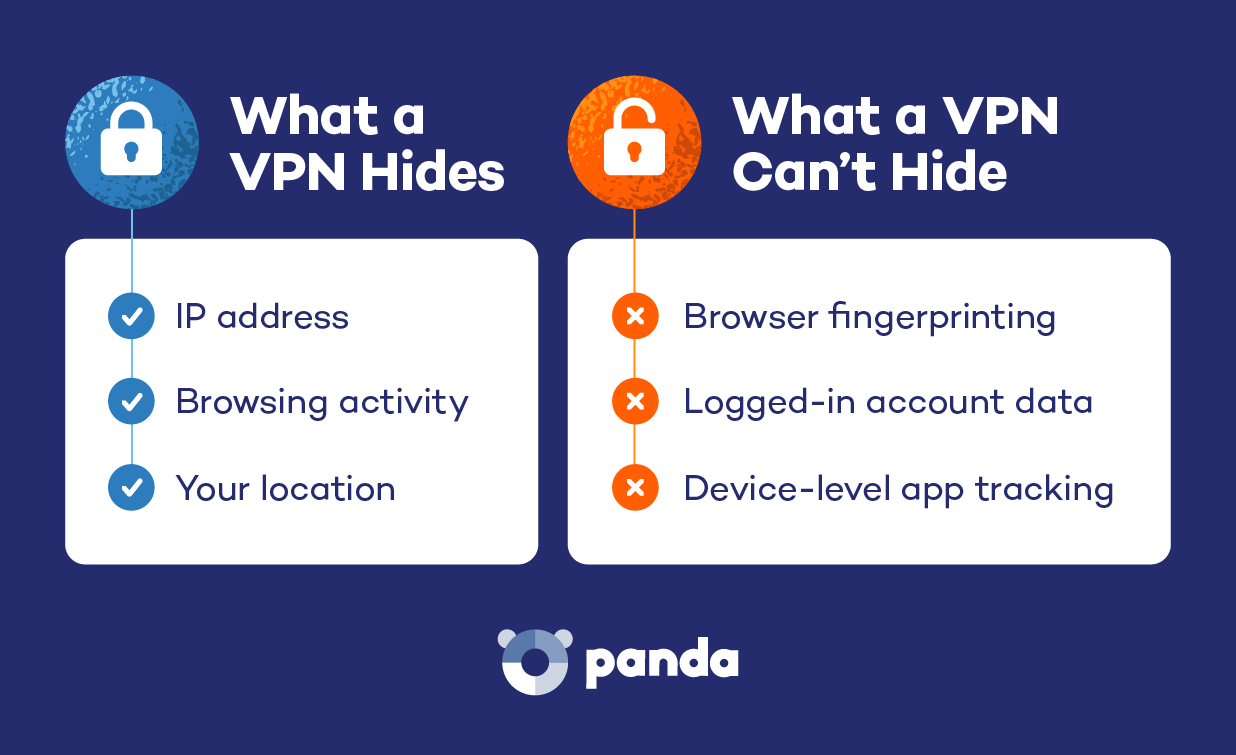
- Your IP address and approximate location: A VPN changes your IP address. Websites see the address of the server you’re connected through, so any guess about your location points to the city where that server sits.
- The sites you visit, from your ISP or Wi-Fi owner: Your internet provider and whoever runs the network can see that you’re connected to a VPN. They can’t see which websites you open or what you do on them.
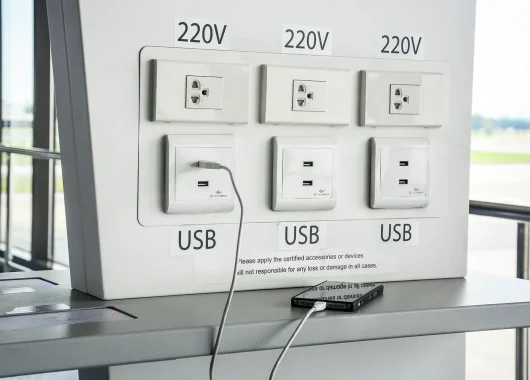
- Your activity on public or shared Wi-Fi: Airport, café and hotel networks are easy targets for snooping. A VPN encrypts your traffic before it leaves your device, so it’s unreadable to anyone on that network.
So, Can You Be Tracked With a VPN?
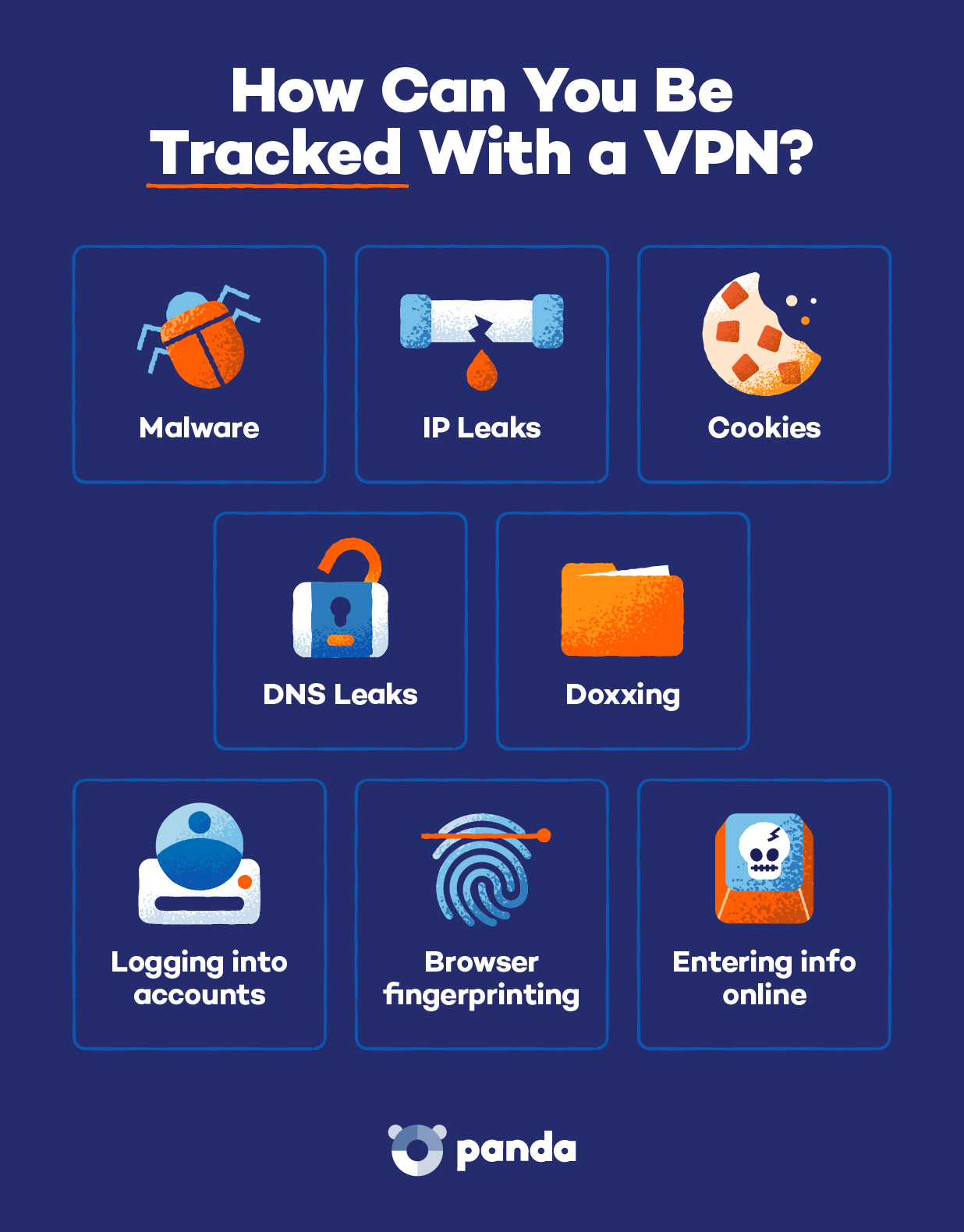
You can still be tracked online even with a VPN on. A VPN protects your connection, but once you log in, click or buy, websites and advertisers can tie that activity directly to you.
Here are the most common ways tracking still happens.
Signing In to Your Accounts
The moment you log in to Google, Facebook, Amazon or any other account, that site knows exactly who you are. Your IP address no longer matters.
Anything you search, post, watch or share while signed in is tied to your account, not to your VPN server. That’s how your browsing history, recommendations and ad profiles stay intact even when your location appears to change.
Payment Details
When you buy something, the store, your bank and the payment processor all know it was you. Subscriptions and delivery addresses add to that record over time.
Cookies and Trackers
Cookies are small files that websites save in your browser to remember you. Some are helpful, like the ones that keep items in your shopping cart. Others come from advertisers and follow you across sites.
Because cookies live on your device, they stay put when your IP address changes. That’s how the running shoes from the intro followed you onto social media. Tracking pixels, tiny invisible images in emails and web pages, work in a similar way and report back when you open or view them.
Browser Fingerprinting
Fingerprinting identifies you using the unique details of your device rather than your IP address. Websites can quietly collect information such as:
- Your screen size and resolution
- The fonts installed on your computer
- Your browser version and settings
- Your time zone and language
On their own, these details seem harmless. Combined, they can form an ID that’s close to unique, and a VPN does nothing to change it.
DNS and WebRTC Leaks
A leak happens when some of your data slips outside the VPN’s encrypted tunnel. Two common examples:
- DNS leaks: DNS is the system that turns website names into addresses computers understand. If those lookups go to your internet provider instead of through the VPN, your ISP can see which sites you visit.
- WebRTC leaks: WebRTC is a browser feature used for video and voice calls. A poorly configured setup can reveal your real IP address to websites.
A well-built VPN blocks both. A poorly built one may expose you without any warning.
Malware and Spyware
A VPN can’t stop tracking software that’s already on your device. Keyloggers, stalkerware and infected apps see what you type and do before it ever enters the encrypted tunnel.
That’s why a VPN works best alongside antivirus protection like Panda Dome Essential, which can detect and remove malicious software.
Your VPN Provider Itself
When you use a VPN, you shift trust from your internet provider to your VPN provider. Technically, the provider’s servers handle all your traffic, so they could see or record your activity.
That’s why provider reputation matters. When comparing providers, look for:
- A no-logs policy confirmed by an independent audit (the company doesn’t store records of what you do online)
- A built-in kill switch and DNS leak protection
- Clear information about who owns the company and where it’s based
- Modern, secure protocols like WireGuard or OpenVPN
- A paid plan, since many free services make money from your data
Can Your Phone Be Tracked With a VPN On?
Even with a VPN protecting your internet traffic, your phone can still be tracked through built-in sensors, device permissions and cellular networks. A VPN hides your IP address and browsing activity, while your phone’s GPS, apps and carrier keep reporting its physical location.
Even with a VPN protecting your internet traffic, your phone can still be tracked through built-in sensors, device permissions and cellular networks.
- GPS and location services: Your phone’s GPS works through satellites, not your internet connection. A VPN has no effect on it, so any app with location access can still pinpoint you.
- App location permissions: Weather, maps, shopping and social media apps often request your location. If you’ve granted access, they can collect it whether or not your VPN is on.
- Your cell carrier: Your mobile carrier knows roughly where you are based on the cell towers your phone connects to. That happens at the network level, beneath anything a VPN controls.
- Your phone’s advertising ID: Android phones and iPhones assign your device an advertising ID that apps use to recognize you across services. You can limit or delete it in your phone’s privacy settings.
- Family location sharing: Features like Apple’s Find My and Google Family Link share your location directly with people you’ve approved. A VPN won’t hide you from them, which is often the point.
Who Can Still See What You Do Online?
Even though a virtual private network adds a strong layer of privacy, it does not make you entirely invisible. Various entities still maintain visibility into different parts of your digital life depending on the network you use, the accounts you log in to and the device settings you keep active.
Your Internet Provider
Your ISP can see when you’re connected to a VPN and how much data you’re using. It can’t see which websites you visit or what you do on them.
This is also why some people use a VPN to avoid speed throttling. If your provider can’t tell what kind of traffic you’re sending, it’s harder to slow down specific activities, which is why gamers dealing with lag often pick the best VPN for gaming for their setup.
Your Employer or School
A company-managed device or network can still log activity even when a VPN is in use. If you are using work equipment or school Wi-Fi, monitoring software installed on the device often bypasses the VPN tunnel entirely.
Websites and Advertisers
Accounts, cookies and browser fingerprinting allow websites to recognize you even when you’re behind a new IP address. Once you log in to a service or share personal details, your browsing identity is instantly linked back to you.
Law Enforcement
Law enforcement can request user data through the legal system. If authorities serve a valid court order, they can approach your VPN provider, which makes a verified no-logs policy crucial for user privacy.
Wi-Fi Owners and Network Admins
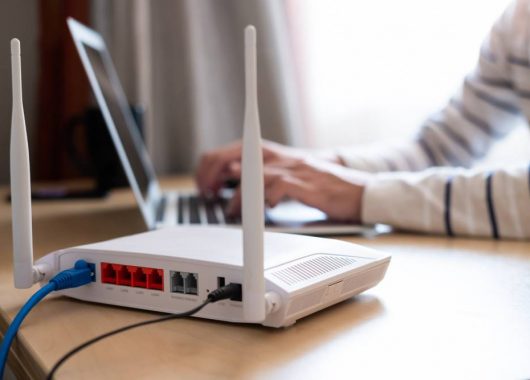
Whoever runs the network (a café, a hotel or the person who set up your home router) can see that your device is connected and that it’s using a VPN. They can also see how much data you use. They can’t see the websites you visit or the content of your traffic.
How to Reduce Tracking Beyond a VPN
You don’t need to be a tech expert to close most of the gaps a VPN leaves. These habits take a few minutes to set up and make a real difference:
- Turn on the kill switch and test for leaks: A kill switch cuts your internet connection if the VPN drops, so your real IP never slips out. Free online DNS leak tests can confirm your VPN is working properly.
- Clear cookies and use tracker blocking: Delete cookies regularly or set your browser to block third-party cookies. Privacy-focused browsers and tracker-blocking extensions can stop many trackers before they load.
- Consider Tor for highly sensitive browsing: Tor routes your traffic through several volunteer-run servers, making it much harder to trace but noticeably slower. The trade-offs between Tor and a VPN come down to speed, ease of use and how much anonymity you need.
- Sign out of accounts you aren’t actively using: Staying logged in to Google, Facebook and similar sites lets them connect your activity across the web. Sign out when you’re done, or use a separate browser for personal accounts.
- Tighten app and phone location permissions: Review which apps can see your location, and switch most to “while using the app” or “never.” Turn off location services entirely when you don’t need them.
- Use strong, unique passwords and a password manager: A hacked account exposes far more than any IP address. A password manager makes it easy to use a different strong password for every site.
Stay Private With Panda Dome Premium
A VPN can be tracked through the logins, purchases and device permissions that sit outside its encrypted tunnel, so your browsing habits matter as much as the tool itself. Panda VPN encrypts your connection and hides your IP address on every network you join, which keeps your browsing private from ISPs, Wi-Fi owners and snoops. Pair it with the habits above and you’ll cover what a VPN can’t handle by itself.
Panda Dome Premium gives you unlimited VPN protection on every network you join, from hotel lobbies to airport terminals. Dark Web Monitor checks whether your email address shows up in known data leaks, so you hear about exposure early.
Ready to browse with more control? Get Panda Dome Premium and keep your connection private on every network.
Frequently Asked Questions
Can the Police Trace a VPN?
Police can’t see through VPN encryption, but they can request records from your VPN provider and ISP with a court order. A provider with a verified no-logs policy has little or no activity data to share.
Does a VPN Actually Hide Your Location?
A VPN hides the location tied to your IP address, so websites see the VPN server’s location instead. It doesn’t hide GPS data, app location permissions or the location your cell carrier sees.
Can Google Track Me if I Use a VPN?
Yes, if you’re signed in to your Google account or have Google cookies in your browser. Google links your searches, YouTube views and other activity to your account regardless of your IP address.
Can I Be Tracked With a Free VPN?
Yes, and often more easily. Some free VPNs log and sell user data, show targeted ads or have weak security that leads to leaks. A reputable paid VPN is usually the safer choice.
Does Incognito Mode Plus a VPN Make Me Anonymous?
No. Incognito mode stops your browser from saving history and cookies after you close the window, but sites can still identify you through logins and fingerprinting.
It’s also less private on your own device than many people think, since anyone with access to your computer or router can see your incognito history.
Can My Internet Provider See That I’m Using a VPN?
Yes. Your ISP can see that you’re connected to a VPN server and how much data you use. It can’t see the websites you visit or what you do on them.
Should I Leave My VPN On All the Time?
For most people, yes, especially when using phones and laptops that join public Wi-Fi. Keeping it on means you’re never caught on an unprotected connection.
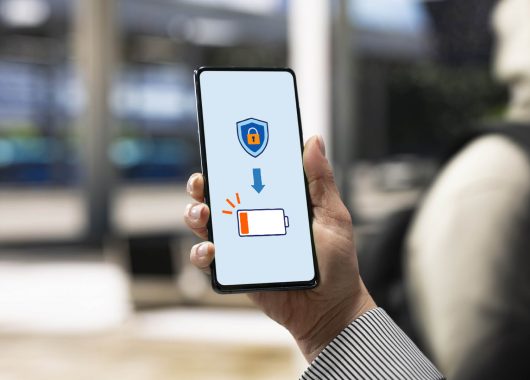
You can pause it on sites that block VPNs, such as some banking or streaming services. Running it all day uses a little extra power, though how much a VPN drains your battery depends on the protocol, your signal strength and how often it reconnects.