



A laggy match can ruin an otherwise good gaming session. Peak-hour slowdowns from your internet service provider (ISP) can make the problem even worse. Not to mention, unwanted traffic after a heated match can create a different kind of headache. The best VPN for gaming can help solve these problems and give you an extra layer of privacy.
We’ll compare six top gaming VPNs for the things that matter when you play, including connection speed and server coverage. We’ll also look at the bigger picture — your VPN protects your connection, but it can’t stop malware, phishing or a password that has already been leaked.
The Best VPNs for Gaming
Every gamer has different priorities. You might care most about low ping, while someone else wants a free plan or protection for every device at home. The VPNs below cover a range of needs, so you can find an option that fits the way you play and what you want to protect.
| Best for | Key features | Free plan? | Starting price* | |
|---|---|---|---|---|
| Panda Dome VPN | Whole-household protection |
|
✅ | $2.75/mo |
| ExpressVPN | Overall gaming |
|
❌ | $4.99/mo |
| NordVPN | Low latency |
|
❌ | $5.49/mo |
| Surfshark | Mobile gaming |
|
❌ | $3.39/mo |
| Proton VPN | People who need a free VPN for gaming |
|
✅ | $4.49/mo |
| Windscribe | Occasional gaming on a free plan |
|
✅ | $5.75/mo |
| *Pricing shown is for 1-year plans, paid annually, as of August 24, 2026. |
1. Panda Dome VPN

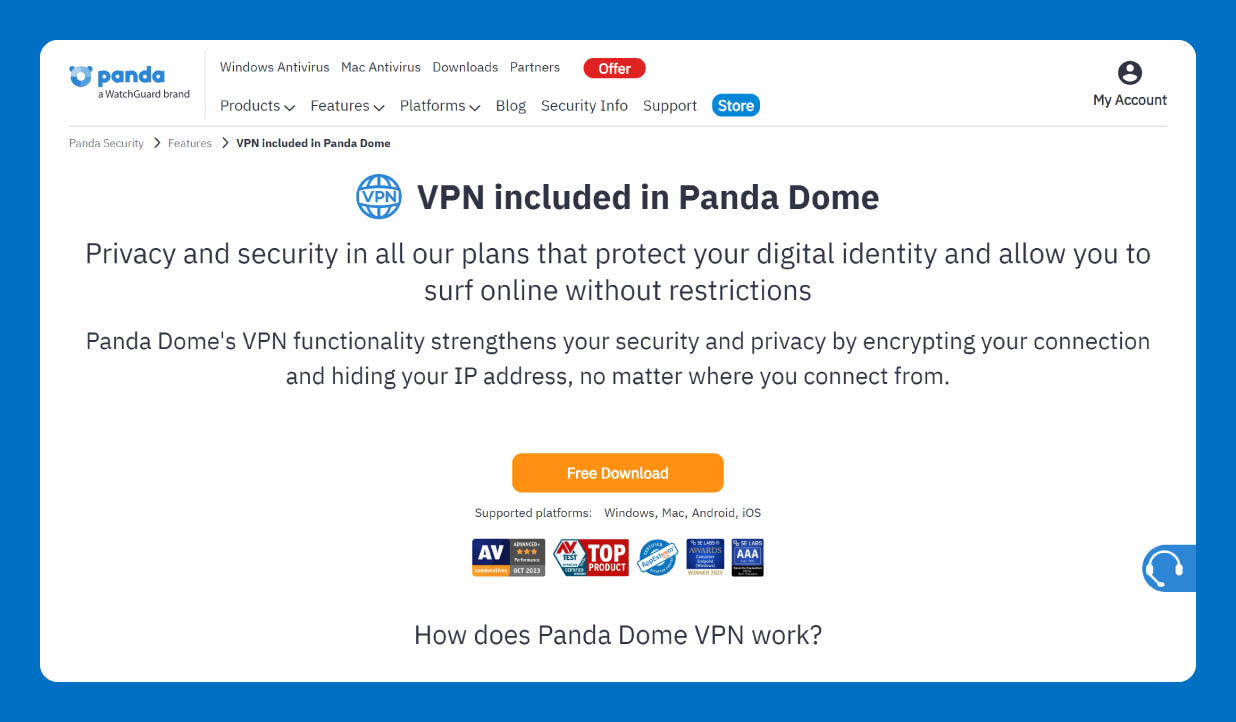
Best for: Whole-household protection
Panda Dome VPN adds an extra layer of privacy and security to your gaming connection. It encrypts your internet traffic with AES-256 encryption and hides your IP address, making it harder for third parties to see what you’re doing online.
That protection can follow you around the house, too. Panda Dome VPN works on Windows, macOS, Android and iOS, so you can use it on your gaming PC, phone or other supported devices. It can also protect you when you switch to public Wi-Fi.
The bigger draw for families is what you can get alongside the VPN. Panda Dome plans can combine VPN protection with antivirus and, on eligible plans, parental controls. Premium adds unlimited VPN data, more than 60 virtual locations and 24/7 technical support.
Panda holds a 4.1 out of 5 rating across more than 23,000 Trustpilot reviews, where users consistently praise reliable device protection, a simple interface and low impact on system performance. Some reviewers note the renewal and activation process could be clearer.
So if your household needs security beyond the gaming screen, Panda can bring more of those tools together under one subscription.
Pricing
All Panda Dome plans include access to Panda Dome VPN (also available as a standalone product). There’s even a free plan that comes with 150 MB of secure VPN traffic per day. Here’s what the paid plans cost:
- Essential: $2.75 per month
- Advanced: $3.49 per month
- Complete: $4.49 per month
- Premium (unlimited VPN): $4.66 per month
Key Features
- Bundled household protection: You get VPN protection alongside security features, such as identity protection, for the rest of your household.
- VPN kill switch: A kill switch can stop your internet connection if the VPN connection drops, keeping your traffic from falling back to your regular connection during a gaming session.
- Unlimited VPN data: Panda Dome Premium offers unlimited VPN data, so you can game without worrying about a daily data allowance.
2. ExpressVPN
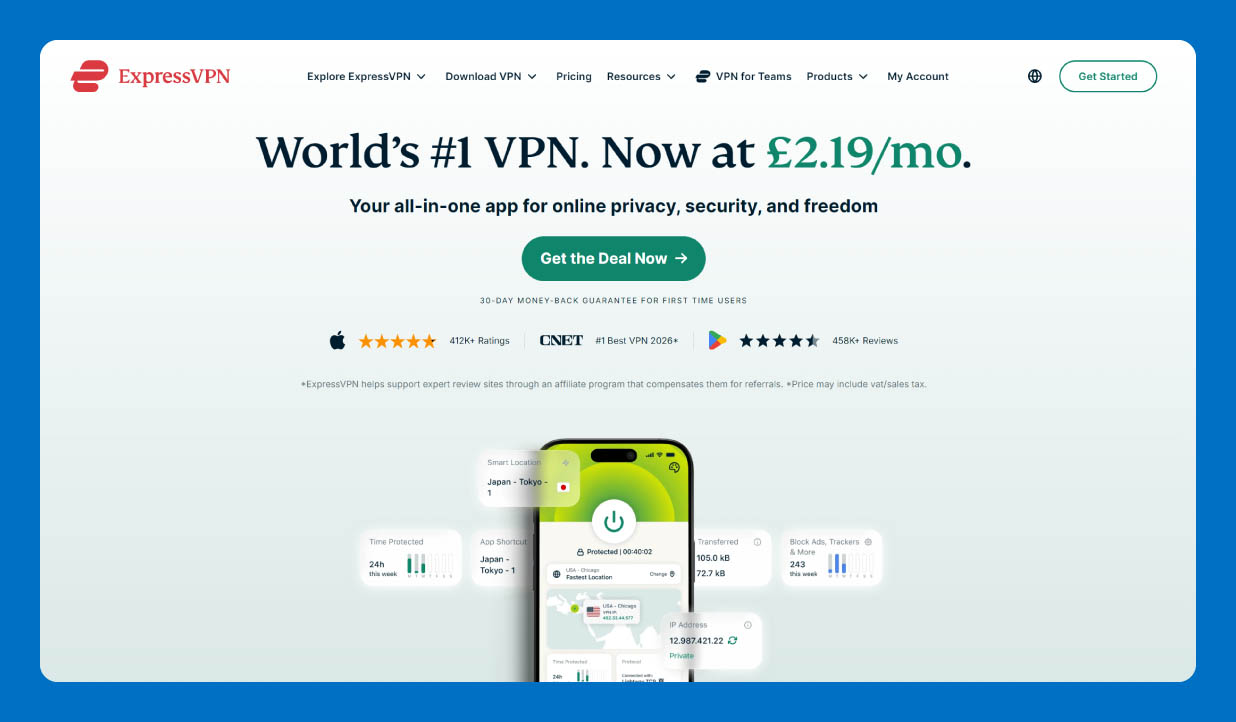
ExpressVPN is a strong choice for gamers who want a VPN that works across multiple devices. Its network spans 113 countries, giving you plenty of server locations to choose from when you want to change your virtual location or find a faster route to a game server.
This VPN delivers consistently low ping, which matters when every extra millisecond can affect a fast-paced game. The service supports Windows, macOS, Android, iOS and other platforms. Also, its router support can cover devices that don’t normally run VPN apps.
With a 4.4 out of 5 rating on Trustpilot, ExpressVPN earns steady praise for a clean, customizable app that stays out of the way day-to-day. However, some people mentioned that the service occasionally drops connections unexpectedly or sometimes requires manual restarts to work properly.
Pricing
ExpressVPN offers three plans:
-
- Basic: $4.99 per month
- Advanced: $5.99 per month
- Express Pro: $8.99 per month
Key Features
- Lightway protocol: ExpressVPN’s Lightway protocol keeps the connection fast and reliable. It can also switch between Wi-Fi and mobile data without dropping the VPN connection.
- Internet kill switch: This feature blocks internet traffic if the VPN connection drops unexpectedly. Your device stays offline until the VPN reconnects, helping keep your real IP address from getting exposed.
- Router-level coverage: You can install ExpressVPN on a compatible router and protect devices across your home network. That can be useful for gaming consoles and other devices that don’t support VPN apps directly.
3. NordVPN
Best for: Low latency
NordVPN is a strong pick if keeping latency low is high on your gaming checklist. Its network includes thousands of servers across many countries, giving you plenty of locations to choose from when connecting to a game server.
NordVPN also supports gaming consoles, although it doesn’t offer a dedicated router app. You’ll need to set the service up through a compatible router or another supported connection method.
Trustpilot reviewers rate NordVPN 4.2 out of 5, citing a clean interface and smooth streaming with no noticeable drop in speed. The most common criticism concerns renewal pricing, with users reporting sharp increases when their subscriptions auto-renew.
Pricing
NordVPN offers three plans:
- Basic: $5.39 per month
- Complete: $6.39 per month
- Prime: $8.29 per month
Key Features
- NordLynx protocol: NordVPN built this protocol on WireGuard, which provides fast connection speeds and low latency.
- Meshnet: Meshnet lets you create a private network between your own devices. You can use it to connect devices directly and even route your traffic through another device.
- Built-in DDoS protection: NordVPN can protect your real IP address from distributed denial-of-service (DDoS) attacks, making it harder for someone to target your home connection with a flood of traffic after a competitive match.
4. Surfshark
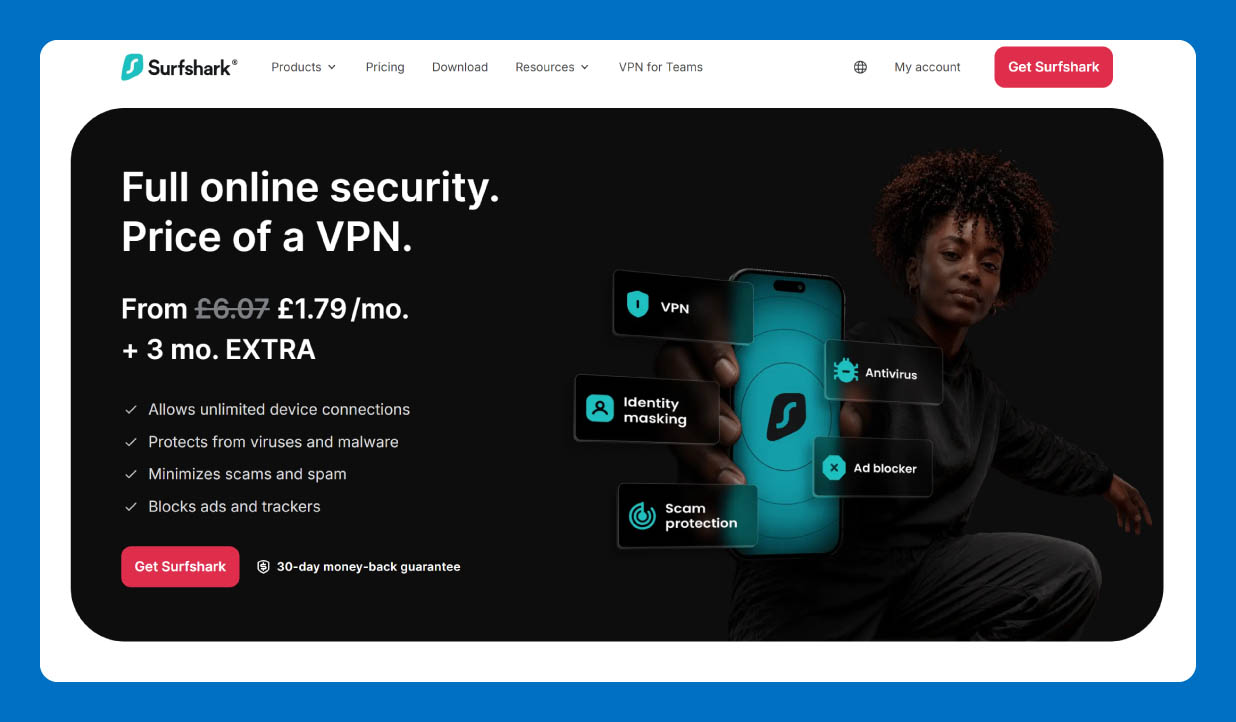
Best for: Mobile gaming
Surfshark works well for gamers who switch between devices, especially when mobile gaming is part of the routine. One subscription lets you connect unlimited devices at the same time, so you can protect your phone while other people at home use the VPN on their devices.
Surfshark also offers features, such as CleanWeb, that can make mobile gaming more comfortable. Long-distance connections can have slightly higher ping, though, so players connecting to servers far from their location may notice some extra latency.
Surfshark earns a 4.3 out of 5 on Trustpilot, with reviewers singling out a helpful, knowledgeable support team and an app that’s straightforward to set up and navigate. A smaller group describes support as less responsive on more complex technical issues.
Pricing
Here’s what Surfshark’s pricing looks like:
- Surfshark Starter: $3.39 per month
- Surfshark One: $3.59 per month
- Surfshark One+: $7.49 per month
Key Features
- Unlimited simultaneous connections: Surfshark lets you connect as many devices as you want with a single subscription.
- CleanWeb: CleanWeb blocks ads, trackers and known malicious websites while you browse. It can also help reduce distractions when you’re using your phone between gaming sessions.
- Dynamic MultiHop: This feature routes your connection through two VPN servers instead of one. You can choose the server locations yourself, getting more control over how your traffic travels.
5. Proton VPN
Best for: People who need a free VPN for gaming
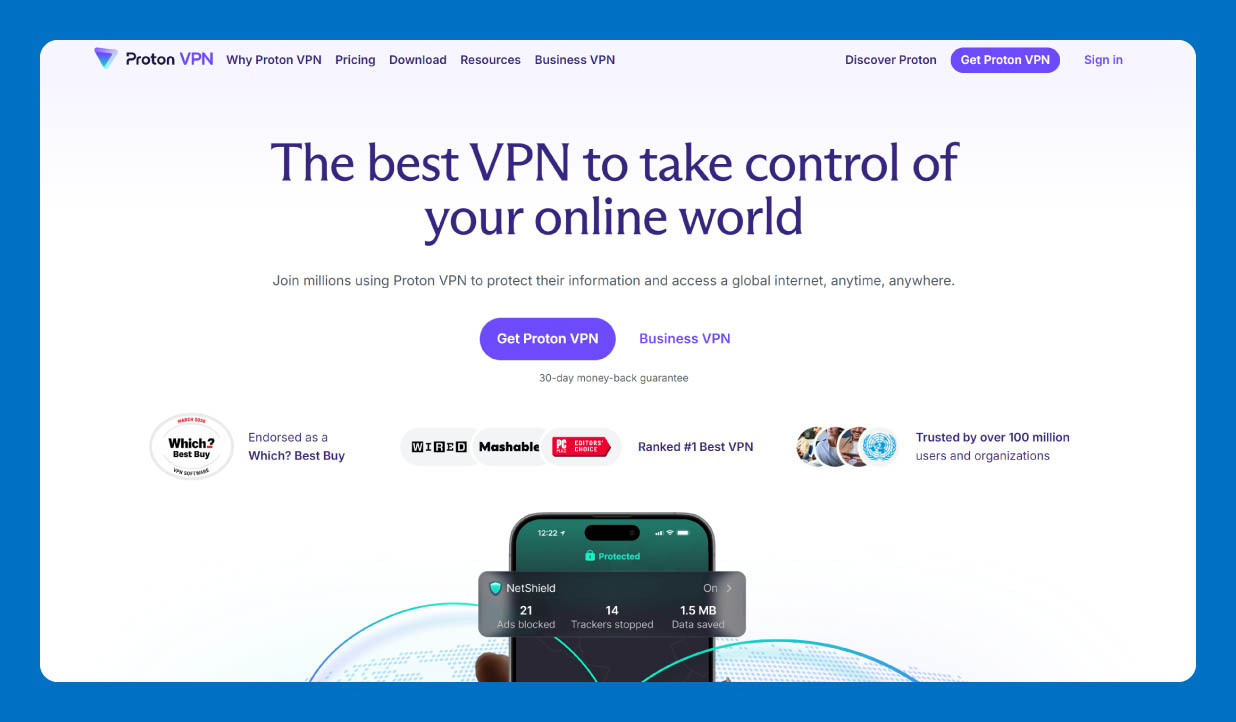
Proton VPN stands out for gamers who want to avoid paying for a VPN. Its free plan has no data or speed limits, so you can game without watching your data counter creep toward zero.
The catch is server choice. Free users can connect to servers in only 10 countries, and Proton may assign the next server when you switch locations. That smaller selection can make it harder to find a nearby server with the lowest ping.
At 2.1 out of 5, Proton VPN’s Trustpilot rating is the lowest in this roundup, with the most common complaints centering on slow speeds and dropouts that interrupt streaming. Reviewers on paid plans are more positive, describing the upgrade as solid value alongside Proton’s wider privacy suite.
Pricing
In addition to the Proton Free plan, Proton offers:
- VPN Plus: $4.49 per month
- Proton Unlimited: $9.99 per month
Key Features
- No data cap on the free plan: Proton Free gives you unlimited data, so you can use the VPN for gaming without hitting a daily or monthly data limit.
- NetShield: This feature uses DNS filtering to block ads, trackers and malware. It’s available with Proton’s paid plans and can add another layer of protection while you browse or game.
- Secure Core: Secure Core routes your connection through a Proton-controlled server in a privacy-friendly location before sending it to your chosen VPN server.
6. Windscribe
Best for: Occasional gaming on a free plan
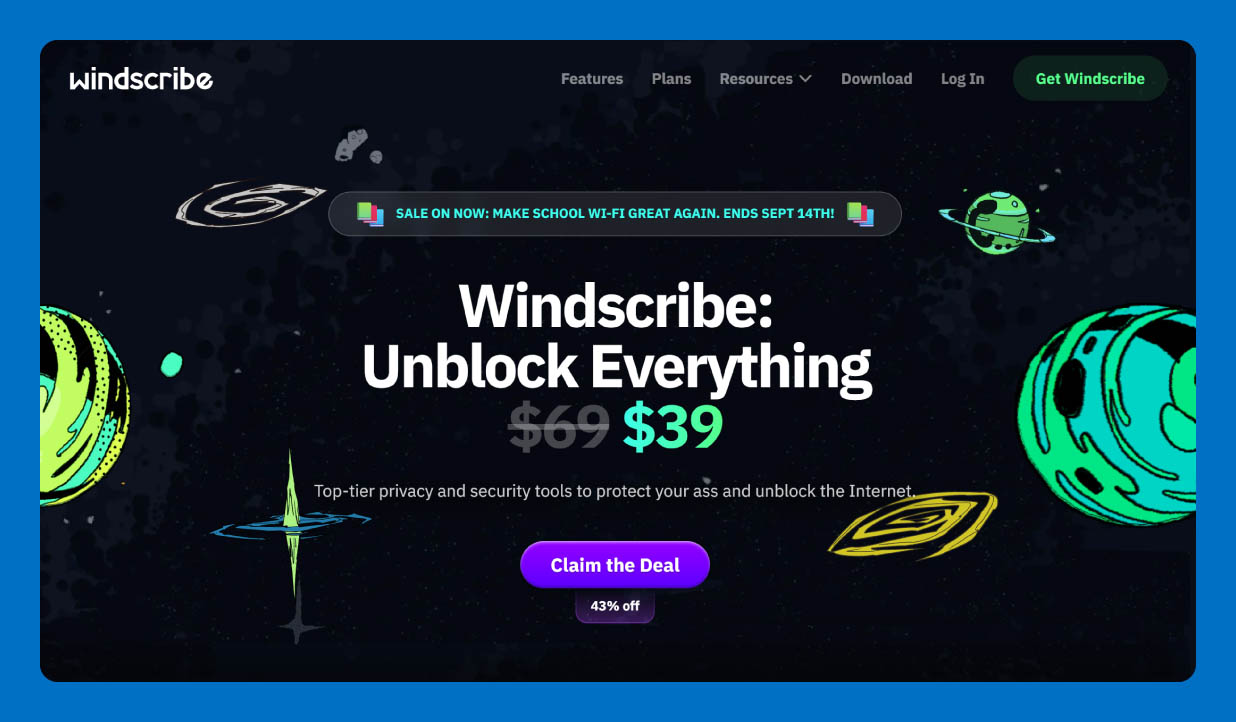
Windscribe is worth considering if you want a free VPN for occasional gaming. The free plan doesn’t throttle your connection, and you get access to servers in 10 countries. This means you get some room to find a location that works well for your game.
The bigger limitation is data. Free users get 10 GB per month with a confirmed email address, or 2 GB without one. That can be enough for shorter gaming sessions, but daily players may reach the limit quickly.
Across Trustpilot reviews, Windscribe averages 4.7 out of 5, with users citing fast, reliable connections, a straightforward interface and a chatbot that handles most setup questions. Some report slower email responses and difficulty reaching a human representative for account issues.
Pricing
You can build a plan for Windscribe Pro for just $1 per location per month. Otherwise, you have to pay $9 per month (billed monthly) or $5.75 per month (billed annually).
Key Features
- 10 GB free monthly data: Windscribe gives free users 10 GB of VPN data each month when they confirm their email address. Without a confirmed email, the allowance drops to 2 GB.
- R.O.B.E.R.T.: This feature can block ads, trackers and malware on the free plan. Paid plans add more customization options and additional blocklists.
- Unlimited device connections: Windscribe doesn’t set a fixed device limit for personal use, even on the free plan. You can connect your own phone, computer, console and other devices without paying for a higher tier.
Why Gamers Use a VPN
A VPN creates an encrypted connection between your device and the internet. It also hides your IP address, making it harder for other players to determine your real location or target your home connection.
A VPN can also help in a few other situations. You might use one to access your home network while traveling or to change your virtual location when a game or service offers different content by region. Some gamers also try a VPN when their ISP takes a slower route to a game server.
Still, the service has limits. For one, it can’t magically make your internet faster, guarantee lower ping or prevent every gaming attack. Your connection may even become slower if the VPN server is far away. A VPN also won’t protect you from malware or phishing if you click a dangerous link, and it can’t save a password that has already been leaked.
What to Look for in a Gaming VPN
A good gaming VPN should fit the way you actually play. Before choosing one, consider a few basics that can affect your connection, online privacy, and household budget. You may see services marketed as the fastest VPN for gaming, but speed is only one piece of the puzzle.
Top features to look for include:
- Speed and ping: Look for a VPN that keeps your connection fast and your ping low. Ping measures how long it takes for data to travel between your device and the game server. A stable connection also matters, so look for one with minimal ping fluctuations during a game.
- Servers and locations: A large server network gives you more locations to choose from. A nearby server will often give you a better connection than one halfway around the world.
- Security: Look for basic protections such as encryption and a kill switch. A VPN should also have a clear privacy policy that explains what information it collects.
- Device support: Check that the VPN works with your gaming device. Router support can be useful for consoles that don’t support VPN apps directly.
- Price and extras: Compare the monthly or annual cost with the features you’ll actually use. Some services bundle a VPN with antivirus or other household security tools, making a single subscription more useful for the whole family.
Once you know what to look for, you’ll also have a better idea of the things you can do with a VPN beyond gaming.
How to Set Up a VPN for Gaming on Any Device
Learning how to use a VPN for gaming is fairly simple when you know where your device fits in. PCs and phones can usually run VPN apps directly, while consoles often require a bit of extra setup.
PC
Follow these steps to set up a VPN on your PC:
- Install the VPN app: Download the VPN app from the provider’s official website and install it on your PC.
- Log in: Open the app and sign in to your VPN account.
- Choose a server: Pick a nearby server for the best chance of keeping latency low. If you need to connect through a specific region, choose a server in that region instead.
- Connect: Start the VPN connection and wait until the app confirms that you’re connected.
- Launch your game once the VPN connection is active.
Console (Xbox/PlayStation)
Most Xbox and PlayStation consoles can’t run VPN apps directly. You’ll usually need to share the VPN connection from a compatible router, a PC or a mobile device.
Here’s how to do it:
- Set up the VPN: Install the VPN on a compatible router, PC or mobile device and connect to a VPN server.
- Connect your console: Connect your Xbox or PlayStation to the router or VPN-enabled hotspot using Wi-Fi or an Ethernet cable.
- Check the connection: Make sure the console is connected to the internet through the VPN.
- Launch your game: Start it and verify that everything works as expected.
Mobile
To set up a VPN on your mobile:
- Install the VPN app: Download the VPN app from your device’s official app store and sign in.
- Choose a server: Select a nearby server to help keep your connection responsive.
- Connect before gaming: Turn on the VPN before opening your game so it starts with the VPN already active.
- Watch your battery and data: Running a VPN alongside a mobile game can use extra battery and data. Keep an eye on both during longer gaming sessions, especially when you’re using mobile data.
Protect Your Whole Gaming Setup With Panda Dome VPN
Panda Dome VPN adds an encrypted connection and hides your IP address while you game. It works across Windows, Mac, Android and iOS, so you can protect the devices you use at home or when gaming on public Wi-Fi.
If you want VPN protection alongside security for the rest of your household, Panda Dome can bring more of your protection under one roof. Depending on your plan, you can also get antivirus, parental controls and other security tools.
Find the plan that fits your household and add another layer of protection to your gaming setup.
VPN for Gaming FAQ
A VPN can affect your gaming experience in several ways, from connection speed to online privacy. Here’s what you should know before you switch one on.
Does a VPN Really Reduce Lag or Ping in Games?
A VPN can sometimes lower ping if your ISP takes an inefficient route to the game server, but it can also increase latency. Your results will depend on your location, the VPN server and the game server.
Can a VPN Stop DDoS Attacks While Gaming?
A VPN can make DDoS attacks harder to carry out by hiding your real IP address. It can’t stop every attack, though. If someone already knows your IP address, you may need to change it or contact your ISP.
How Much Does a VPN Cost?
VPN prices vary by provider and plan. Many vendors, such as Panda Security, offer both free and paid plans. Longer plans often cost less per month, but check what features and limits come with each tier.
Is a VPN Good for Gaming?
A VPN can be worth it if you want more privacy while gaming or need to connect through another location. It can also help protect your connection on public Wi-Fi. For players who only care about getting the lowest possible ping, a VPN may offer little benefit.
Do I Need a VPN if I Already Have Antivirus Software?
Antivirus software and a VPN protect different parts of your online life. Antivirus software helps detect and block malware, while a VPN encrypts your internet connection and hides your IP address. Using both can give you broader protection, especially when kids or other family members use the same network.
Can a VPN Get Me Cheaper or Earlier Access to Games?
A VPN can change the virtual location your internet connection appears to come from, but that doesn’t guarantee lower prices or early access. Game stores can use your account region, payment method or other details to determine availability and pricing. Check the game publisher’s rules before changing your location.
Are There Risks of Using a VPN for Kids’ Gaming?
A VPN can help protect a child’s connection and hide their IP address, but it doesn’t make online gaming completely safe. Kids can still encounter scams, inappropriate content or strangers while playing online. Parents should also consider other protections when addressing the risks of online gaming for kids, such as parental controls and privacy settings.