70% off Panda Dome for all your devices! For a limited time only!
60% off Panda Dome for all your devices! For a limited time only!
Panda, an American Brand
A WatchGuard company, based in Seattle
Protects the digital lives of millions of customers around the world
Panda, an American Brand
A WatchGuard company, based in Seattle
Protecting millions of people around the world
On all our Panda Dome plans
Days
Hours
Minutes
Seconds
On all our Panda Dome plans
Days
Hours
Minutes
Seconds
50% discount applied successfully
55% discount applied successfully
60% discount applied successfully
Discount applied successfully
English
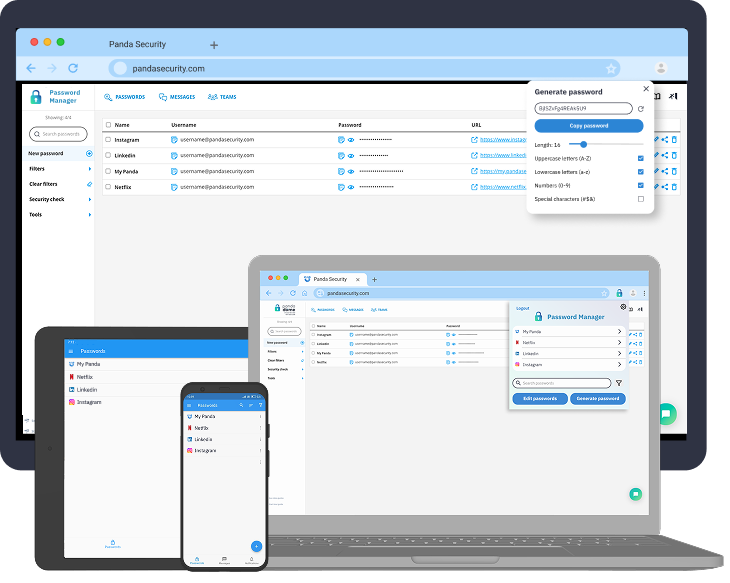
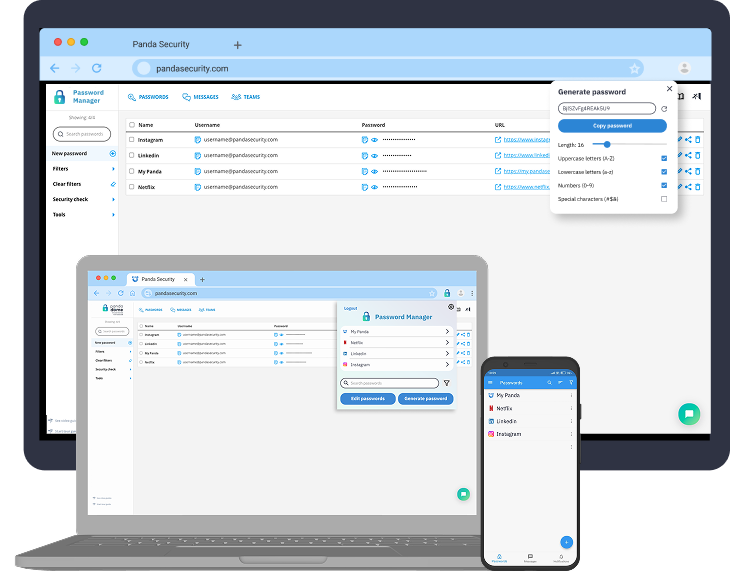
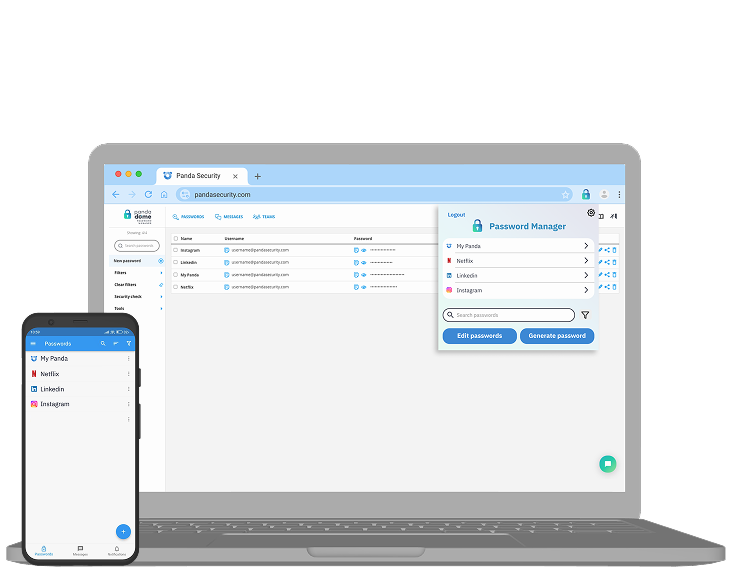
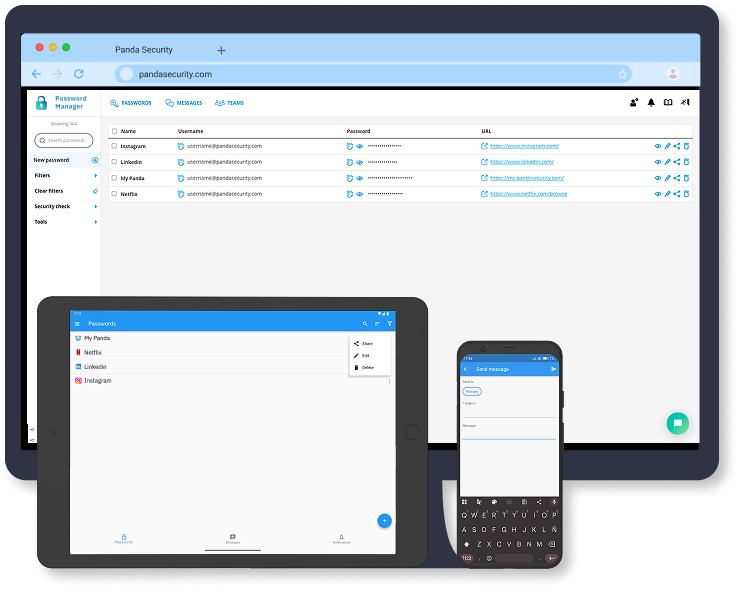
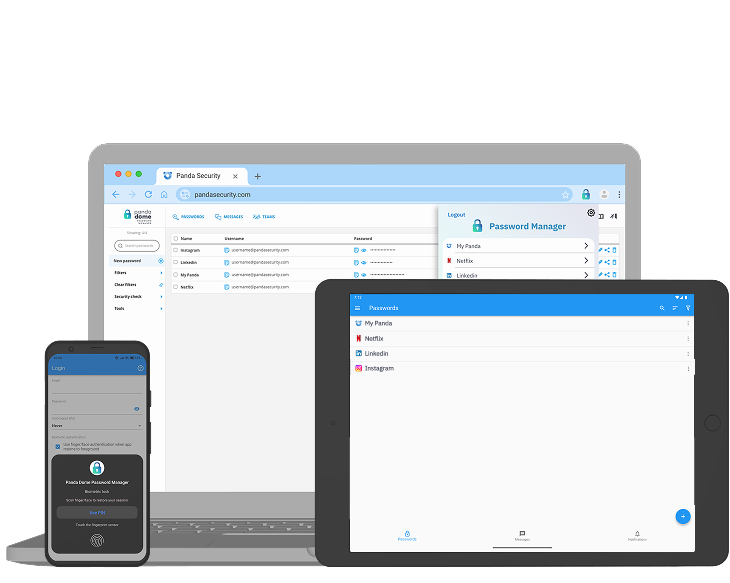
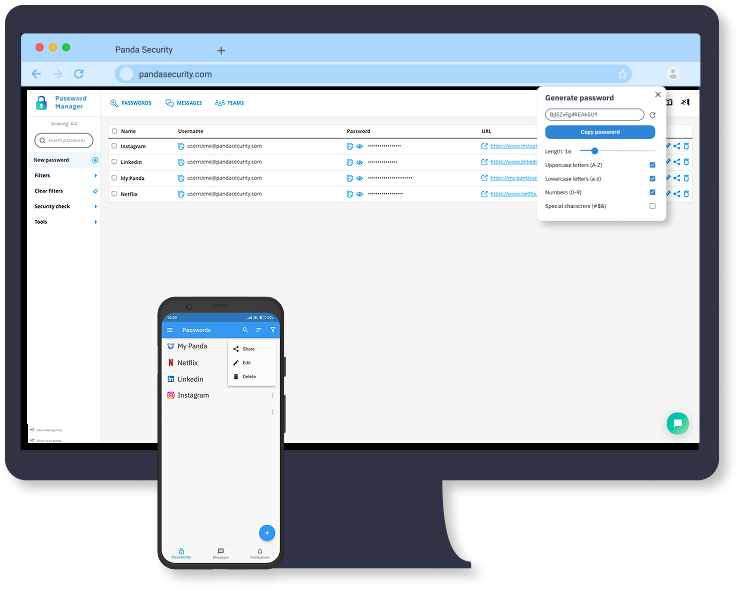
Panda Dome Password Manager
Manage your passwords and store your personal information securely
- Manage all your passwords with a single master key
- Generate strong passwords with military-grade security
- Change your passwords automatically every 3 months
Compatible with:
Android
Chrome
2024
Top Product
2023
Minimal resource consumption
2024
Safe app download
2025
Most reliable protection for Windows
2024
Home Endpoint Security
2024
Top Product
2023
Minimal resource consumption
2024
Safe app download
2025
Most reliable protection for Windows
2024
Home Endpoint Security
Keep all your passwords safe and secure with Passwords
Do you use the same password over and over again for all your accounts?
That is a dangerous practice, as it may put your data at risk.
Say goodbye to the hassle of creating multiple passwords and then having to remember them all. We do it for you. With Panda Dome Password Manager, you can manage all your passwords under one single master key, keeping them safely encrypted.
Do you keep confidential information written down in a notebook?
Your data could be exposed. Panda Dome Password Manager enables you to create secure notes to store your information in encrypted format and only accessible to you through your master key.
Do you let your web browser store all your data and autofill forms?
Panda Dome Password Manager autofills all forms for you securely, protecting your information.
It's very simple
1
Create your account or log in to your Panda account.
2
Add the activation code you received in your welcome email using the “Add Product” option.
3
- If you purchased the Panda Dome Password Manager product, you will receive an email with instructions to create your master password.
- If you purchased a plan that includes this feature, you must click the “Password Manager” shortcut in your Panda Account to receive this email.
4
Follow the instructions in the email to create your master password and start adding your passwords.