



Key takeaways:
- The right VPN for streaming depends on what you need most, such as access to regional content or support for multiple devices.
- VPNs vary in how they handle streaming services, so a provider that works well for one platform or region may not work as well for another.
- Many VPNs offer low introductory rates that increase at renewal, so check the full pricing terms before committing to a long-term plan.
Sometimes the show or movie you want to watch just isn’t available where you live. Other times, you’re watching a live game, and the stream starts buffering when you least want it to.
A virtual private network (VPN) can help solve both problems, but with more than 150 VPN providers to choose from, finding one that actually works well for streaming, while also being secure and reliable, can get confusing.
In this guide, we’ll compare some popular VPNs for streaming video, so you can see which options make the most sense for your streaming habits. Alongside the usual specs, we’ve also looked at real-world user experiences to flag where a VPN lives up to its promises (and where it might fall short).
VPNs for Streaming at a Glance
With so many VPNs offering similar promises, the differences can be easy to miss. Here’s a quick look at what each VPN does, plus an estimate of how much they’d cost you in comparison with the features they provide.
| VPN | Key Features | Best For | Pricing |
|---|---|---|---|
| Panda Security |
|
Home users who want VPN protection built into a full security suite | Free plan available; paid plans start at $54.95 per year |
| NordVPN |
|
Streamers who want a wide range of server locations | From $5.39/month, when billed annually |
| Surfshark |
|
Households needing unlimited device connections on one plan | From $3.39/month, when billed annually |
| ExpressVPN |
|
Users who want a simple, no-configuration app for streaming | From $4.99/month, when billed annually |
| Proton VPN |
|
Privacy-conscious users who want open-source transparency and a free tier | Free plan available; paid plans start at $4.49 per month, when billed annually |
| CyberGhost |
|
Beginners who want servers optimized for streaming and gaming | From $6.99/month, when billed bi-annually |
1. Panda Dome VPN
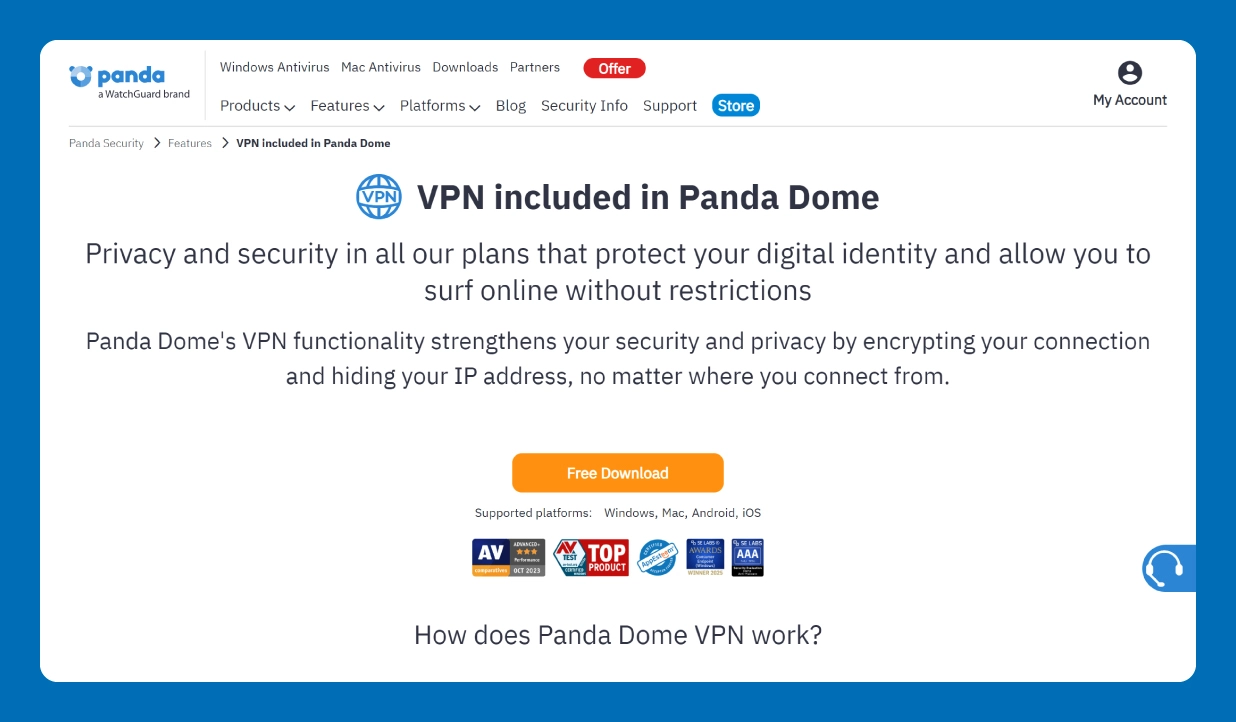

Best for: Home users who want VPN protection built into a full security suite
Panda Dome VPN is a good fit for people who want affordable VPN protection without adding another complicated tool to their setup. It supports Windows, macOS, Android and iOS. You can use it across devices for peer-to-peer file sharing and torrenting.
The platform also has an automatic mode that turns on the VPN when you connect to an unsecured network. And on the premium plan, you get unlimited data, access to more than 60 virtual locations and coverage for up to five devices.
On Trustpilot, Panda Security has a TrustScore of 4.1 stars from approximately 23,000 user reviews. Many reviewers say they’ve used it for years, some for decades, noting that the antivirus software runs quietly in the background, protecting devices effectively without slowing system performance.
Some customers complain that the pricing isn’t upfront, which can be confusing at the time of purchase.
Key features:
- Unlimited VPN (premium plan): As there’s no daily data limit, you can stream and download without worrying about running out of VPN data.
- No-log privacy policy: It doesn’t store or share your online activity, helping keep your browsing private while you’re connected.
- Automatic Wi-Fi network protection: The VPN can turn on automatically when you connect to an unsecured Wi-Fi network, so you’re protected even if you forget to toggle it on manually.
Pricing:
You can get Panda Dome VPN for free with 150 MB of data per day, making it one of the best free VPNs for streaming. The premium VPN plan costs $$54.95 per year and includes unlimited data, coverage for up to five devices and a 30-day money-back guarantee. The VPN is also included in Panda Dome’s larger security plans.
2. NordVPN
Best for: Streamers who want a wide range of server locations
NordVPN is a popular choice for streamers who want plenty of server options. With servers in about 148 countries, you have plenty of options if you need to connect through a specific location.
User feedback on streaming is mixed, with some people saying they’ve been able to access services from different countries without much trouble, while others report slow connections or trouble connecting to certain servers. Many also complain about NordVPN’s billing practices, with multiple users mentioning that its renewal prices are double or even triple the introductory price.
Key features:
- 9,000+ servers across 140+ countries: Lets you choose from a wide range of server locations when you need to connect through a specific country or region.
- SmartPlay streaming technology: Automatically combines VPN and Smart DNS technology to help you access streaming services while connected to the VPN.
- Threat protection lite: Blocks ads, trackers, and known malicious websites while you browse, adding another layer of protection beyond the VPN connection.
Pricing:
NordVPN offers several subscription tiers, with pricing that varies by plan length and periodic discounts. For example, with the annual plan, you get:
- Basic: $5.39/month; renews at $11.59/month ($139.08/year)
- Complete: $6.39/month; renews at $18.29/month ($219.48/year)
- Complete Max: $8.29/month; renews at $25.09/month ($301.08/year)
3. Surfshark
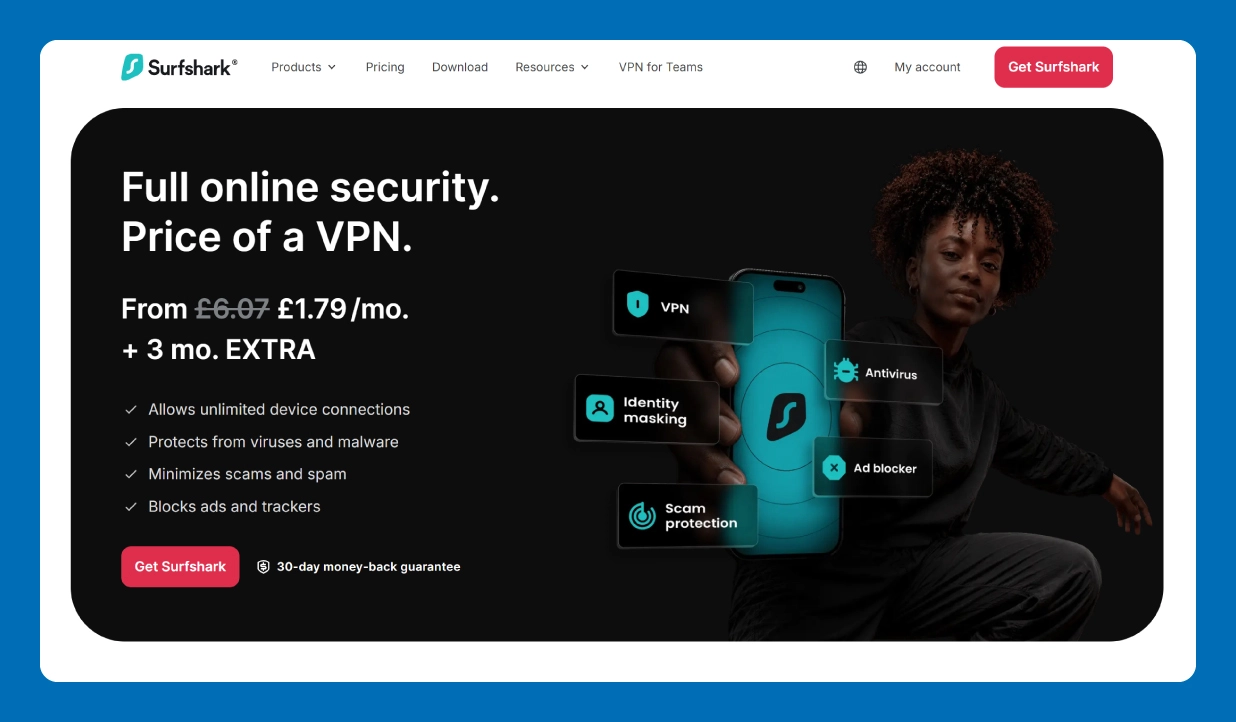
Best for: Households needing unlimited device connections on one plan
If you want a single streaming VPN subscription for your entire family, then Surfshark can be a good option. One account lets you connect unlimited devices at the same time, so different family members can use it on their phones, tablets, laptops and TVs.
Beyond the VPN itself, you get features such as ad and tracker blocking and malware protection, depending on the plan you choose.
People on Trustpilot generally like how easy Surfshark is to set up and use and many users say they get good speeds too. The main complaints are regarding renewal transparency and difficult cancellation processes.
Key features:
- Unlimited simultaneous connections: Surfshark lets you connect as many devices as you want under one account.
- CleanWeb ad and tracker blocker: This blocks ads, trackers and malicious websites when you browse.
- Camouflage mode: You can toggle this on to hide the fact that you’re using a VPN, which can be useful on streaming websites that interfere with VPN connections.
Pricing:
Surfshark offers three plans, with pricing varying by subscription length. For the one-year plan, you get:
- Starter: $3.39/month
- One: $3.89/month
- One +: $7.49/month
You can also purchase a dedicated IP address or virtual phone number for an additional cost.
4. ExpressVPN
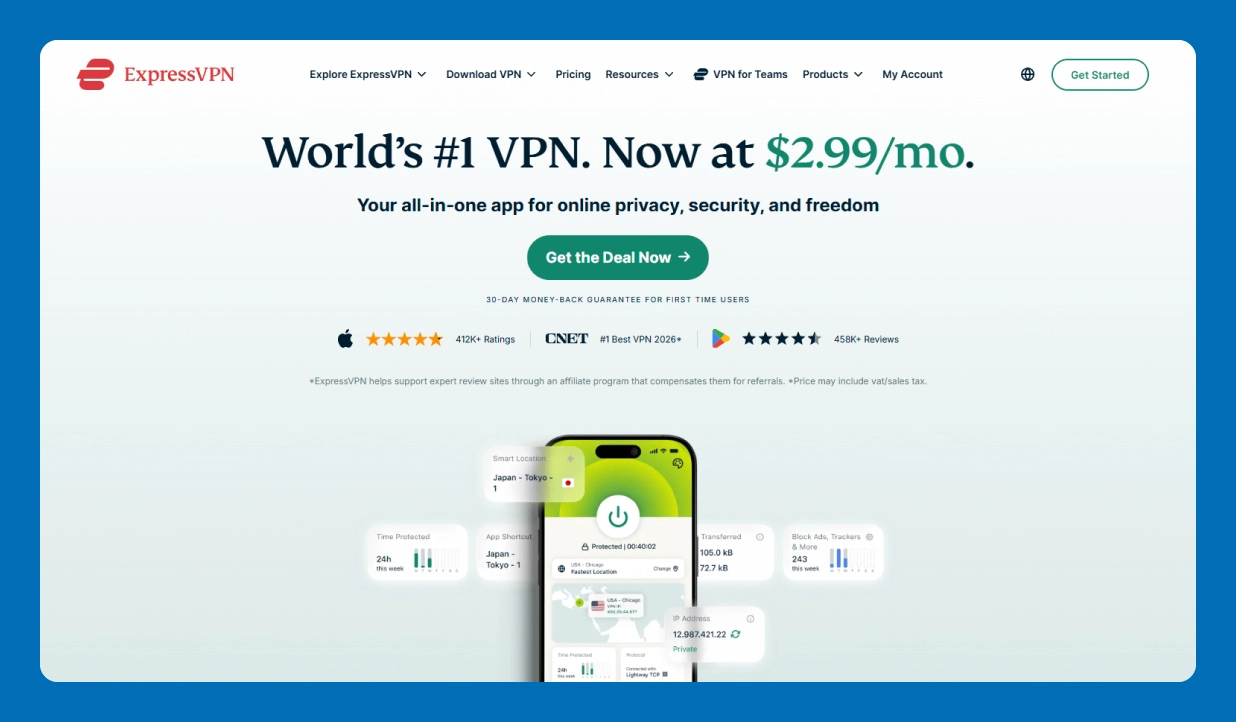
Best for: Users who want a simple, no-configuration app for streaming on multiple device types
ExpressVPN is another popular VPN for movie streaming, one that works well for families as it lets you connect up to 14 devices at the same time.
ExpressVPN’s simple interface makes it easier for older family members or anyone who isn’t particularly comfortable with tech to use without much help. However, it doesn’t offer as many extra features as some competitors, such as Tor over VPN (routes traffic through the Tor network for extra privacy) or port forwarding (allows incoming connections to reach your device through an encrypted connection).
Also, its Lightway Turbo protocol (known to deliver very fast speeds) is currently limited to Windows. And even on Windows, Lightway Turbo doesn’t support split tunneling, which lets you stream through the VPN while keeping other apps on your regular connection.
Key features:
- Lightway protocol: A lightweight protocol that’s designed to provide fast, reliable VPN connections.
- MediaStreamer for smart TVs and consoles: Lets you use ExpressVPN’s DNS service on devices that don’t support VPN apps, such as smart TVs and gaming consoles.
- Coverage in 105 countries: Gives you a wide range of locations to choose from when connecting to the VPN.
Pricing:
ExpressVPN has three plans, with pricing varying by subscription length. The first-year plan (with introductory discounts) is:
- Basic: $4.99/month
- Advanced: $5.99/month
- Express Pro: $8.99/month
5. Proton VPN
Best for: Privacy-conscious users who want open-source transparency and a free tier
Proton VPN is one of the better VPNs with a free plan, one that offers unlimited bandwidth without a subscription. But the free version is limited to one device and gives you fewer server locations and features. It also doesn’t support streaming unblocking or torrenting, so if your main reason for a VPN is streaming, you’ll be better off with their paid plan.
Paid users can access streaming services and torrenting, with P2P-ready servers clearly marked in the app. If you connect to a server that doesn’t support P2P, the app will suggest or switch you to a suitable server.
On Trustpilot, feedback on Proton VPN is mostly mixed. Some users praise its fast speeds and the value of the free plan, while others report cancellation and refund issues and problems with streaming. Customer support also comes up in some negative reviews, with users complaining about slow response times and generic troubleshooting advice that doesn’t address their issues.
Key features:
- Open-source, independently audited apps: Proton VPN is open source, so its code can be publicly reviewed. It’s also independently audited to check for security and privacy issues.
- Secure Core server architecture: The platform routes your connection through privacy-focused Secure Core servers before connecting to your chosen VPN location, so you get another layer of protection against network attacks.
- Free plan available: It gives you unlimited VPN data for free, along with access to a limited number of server locations.
Pricing:
You can use Proton VPN for free or upgrade to a paid plan for more features and server locations. There are two paid plans:
- VPN Plus: $4.49 per month, billed annually
- Proton Unlimited: $9.99 per month, billed annually
6. CyberGhost
Best for: Beginners who want servers optimized for streaming and gaming
CyberGhost VPN is another option to consider if streaming and gaming are both important in your household. It gives you servers optimized for specific streaming services and gaming, so you can connect to servers configured for those services or activities.
Let’s say you want to watch Netflix in Italy. CyberGhost VPN offers a specific Netflix Italy server, so you don’t have to try different servers in the country to find one that works. Also, when you connect your Wi-Fi router to the VPN, all gaming devices like PlayStations and Nintendo Switches are automatically covered.
The main caveat is that the dedicated-server approach doesn’t guarantee that every service will work every time. Some users report that particular streaming services or servers stop working, or that speeds are slower than expected.
There have been repeated complaints around billing practices, including subscriptions renewing automatically without clear notice and difficulties getting cancellations and refunds.
Also, CyberGhost VPN and ExpressVPN are both owned by Kape Technologies, but they operate as separate VPN products under different jurisdictions—CyberGhost in Romania, and ExpressVPN in the British Virgin Islands. They have separate apps, features, and privacy policies.
Key features:
- Dedicated streaming servers by platform: Choose servers optimized for specific streaming services, such as Netflix US, instead of just location-specific servers.
- 45-day money-back guarantee: Get an option to request a refund within 45 days when you subscribe to a long-term plan, if the service doesn’t meet your needs.
- 100+ server locations: Connect through servers across more than 100 countries when you need to access content from a particular region.
Pricing:
CyberGhost offers three subscription options, with the lowest price available on its longest plan:
- 1 month: $12.99/month; 14-day money-back guarantee
- 6 months: $6.99/month; 45-day money-back guarantee
- 2 years + 2 months: $2.19/month, 45-day money-back guarantee
For the 2-year + 2-month plan, it auto-renews at $56.94 per year after the subscription period ends.
Benefits of Using a VPN for Streaming
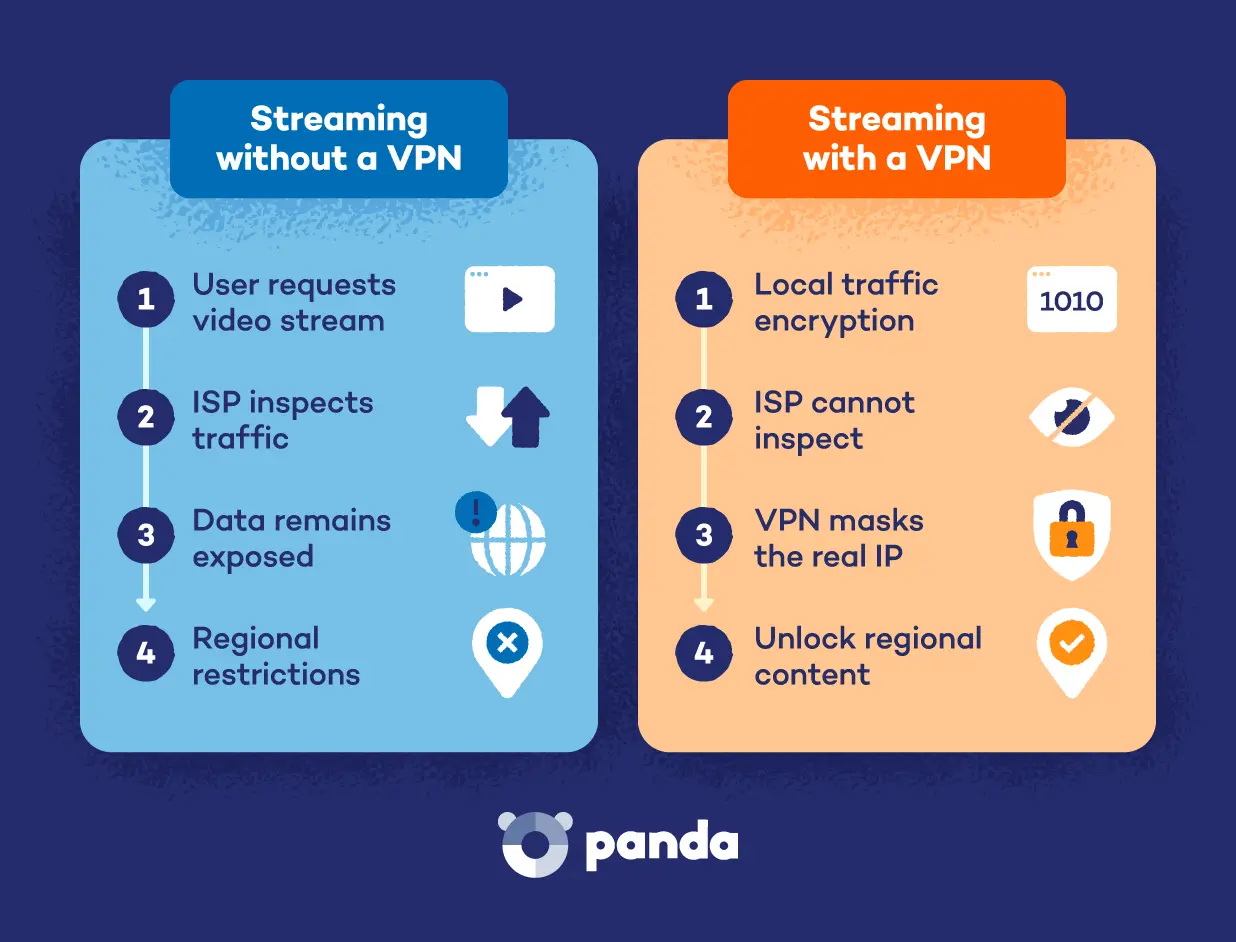

But there are other benefits too. And depending on how you use the internet, some of these features might matter more to you than accessing yet another streaming library:
- Avoid ISP throttling during streaming: If your ISP slows down or throttles certain traffic during busy periods, a VPN can make it harder for them to identify the type of traffic you’re using. It won’t increase your base internet speed, but it may help when throttling is the problem.
- Protect your data on public Wi-Fi: Hotel and airport networks are shared and managed by someone else. A VPN encrypts your connection, helping protect your data from cyberattacks.
- Stream more securely on any device: VPN apps cover phones, computers and many smart TVs. And if you connect your Wi-Fi router to a VPN, your other smart devices, such as gaming consoles, are also covered.
- Reduce targeted ad tracking: By hiding your IP address, a VPN removes one of the ways advertisers can connect your activity with your location.
How to Choose a VPN for Streaming
There are a lot of VPNs out there, and it can be hard to tell what you’re actually getting for the price. Especially since many VPNs offer huge discounts, what’s value-for-money today might not be what’s value-for-money a few months down the line.
Before you pick an option, read the fine print and look beyond the introductory offer. Here’s what to check when evaluating VPN providers:
- Check server locations to confirm the country you need is covered: If you want to watch content from a particular country, make sure the VPN has servers there. You don’t necessarily need thousands of servers, but you do need the locations that matter to you.
- Test streaming speed with a free trial before committing to a plan: A VPN can affect your data speed during streaming, so try it with the streaming services you actually use. A free trial or money-back period gives you a chance to see whether everything streams smoothly before you invest in a longer plan.
- Confirm that the VPN works with your specific devices and streaming apps: Check that the VPN works on the devices you use, like Android, Mac or Linux. This is especially important for smart TVs and gaming consoles, where you may need to use a dedicated app or set up the VPN through your router.
- Look for a no-log privacy policy before signing up: Your VPN provider can see information about your online activity, so check what data it records and how it uses it. Look for a clear no-logs policy and an independent audit, where an outside party checks whether the provider’s privacy practices match its claims.
- Compare pricing against the features included in each plan: Check what features and limitations are included in each plan, then ask how long the introductory price lasts and what the plan costs when it renews.
Additional Tips for Safely Streaming with a VPN
Once you’ve picked a VPN that works with your streaming services, a few simple habits can make the experience more reliable. These are especially useful when you’re dealing with slower connections or streaming services that are picky about VPN traffic.
- Choose a server close to your physical location for better speed: The closer the VPN server, the shorter the distance your data has to travel. If you don’t need to connect through a specific country, a nearby server will usually give you better speeds.
- Clear your browser cache and cookies if videos won’t load: Old data stored in your browser can sometimes cause playback errors after you connect to a VPN. Clearing your cache and cookies gives the site a fresh start.
- Restart your streaming app after connecting to the VPN: If the app was already open when you connected, it may still be using the old connection. Closing and reopening can help the app recognize the new VPN location.
- Consider a paid plan if you stream regularly: Free VPNs often come with data limits, fewer server locations or slower speeds. They’re a good way to test an app, but a paid plan is usually a better fit for regular streaming.
- Keep your VPN app updated to the latest version: Updates can fix connection problems, improve performance and keep the app compatible with changes made by streaming services and your device.
Choose Panda Security for Safer Streaming
If you want a VPN that covers streaming across your everyday devices, Panda Dome VPN lets you connect up to five devices on its premium plan, with unlimited data and access to 60+ virtual locations. You can start with the free plan, which gives you 150 MB of data per day, and upgrade when you need more.
If you want more than a VPN, Panda Dome also brings VPN protection together with antivirus and malware protection, so you can manage your internet security with one subscription.
VPN for Streaming FAQ
Is It Legal to Use a VPN for Streaming?
Using a VPN is legal in most countries. However, many streaming services’ terms of service prohibit using a VPN to access content outside your region. They may block your connection or restrict access to content if they detect one.
Why Do Streaming Platforms Block VPN Servers So Often?
Streaming platforms block VPN servers mainly to enforce regional licensing agreements. Studios often sell streaming rights for specific countries, so the same show might be available on Prime Video in the US but on Netflix in the UK. These agreements are strict, and platforms risk losing content rights if they knowingly allow viewers to access content outside the licensed region.
Will Netflix Ban Me for Using a VPN?
Netflix is more likely to block your VPN connection than ban your account. If Netflix detects a VPN, it may show an error and stop playback until you disconnect. Keep in mind that Netflix’s terms say you can watch content mainly in the country where you set up your account, so using a VPN to view another country’s library may go against those terms.
Does Hulu Work Outside the United States?
Hulu is available only in the US, so it isn’t officially offered in other countries. Using a VPN to access Hulu from outside the US may violate Hulu’s terms of use, and Hulu blocks many VPN connections. If you travel often, check Hulu’s help center for its current availability rules before you go.