


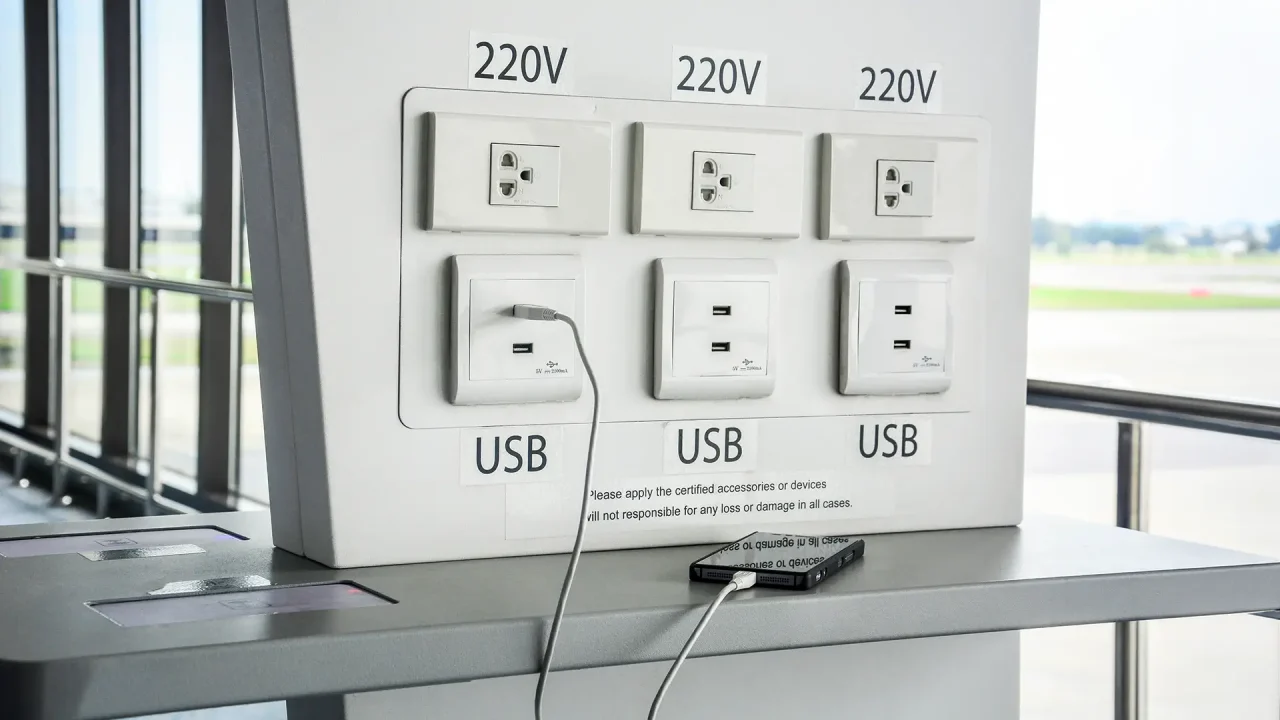
Plugging your phone into a public USB charging port at the airport isn’t always safe. Hackers can compromise these ports to steal data or install malware on your device through a method known as juice jacking. Here’s how it works and how to protect against it.
How Does Juice Jacking Work?
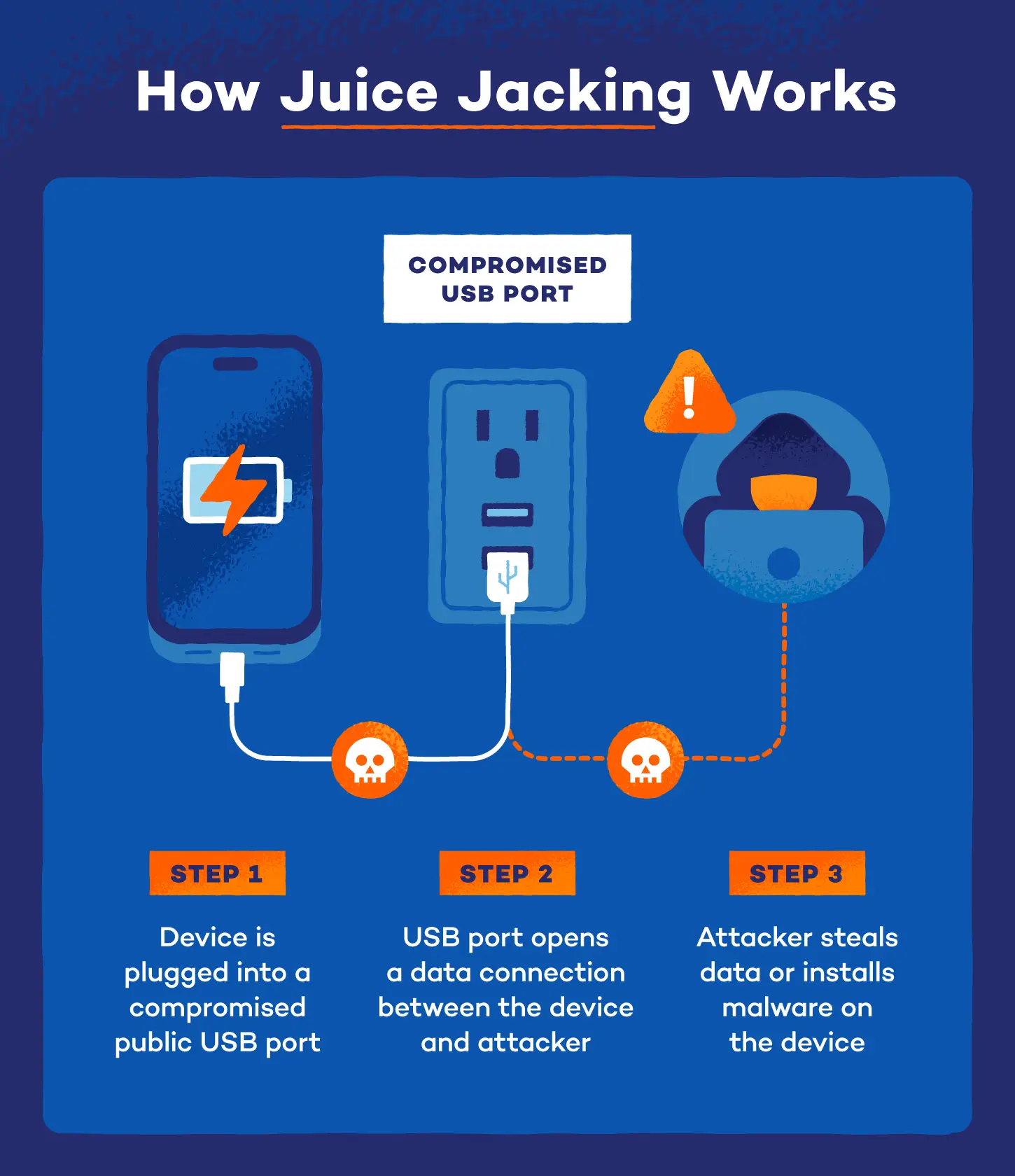
When you plug into a compromised public USB port, you open a data connection to whatever hardware sits on the other end. The attacker’s equipment can then communicate with your device without you knowing, enabling two of the most damaging attacks travelers face
Data Theft
Cybercriminals can steal data via juice jacking through a silent file transfer that pulls photos, documents, and credentials off your device the moment a connection is established. The damage can often surface weeks later, putting you at serious risk of identity theft.
Malware Installation
A malware attack pushes malicious software onto your device through the port. The threat does not end when you unplug. Common payloads include spyware, ransomware and trojans, all types of malware that run quietly in the background, sometimes for months before detection.

Where Does Juice Jacking Happen?
Juice jacking targets high-traffic spaces where people are more likely to use public charging stations. These same spots are also usually home to risky public Wi-Fi networks.
The most common locations include:
- Airports
- Hotels
- Shopping malls
- Restaurants and coffee shops
- Public transit hubs
Signs Your Device May Have Been Compromised
It’s pretty hard to detect juice jacking. Most attacks leave no immediate trace, and many victims never know they were targeted. Still, knowing the signs your phone has spyware or malware can help you catch a problem early.
Watch for these red flags after using an unfamiliar USB port:
- Battery draining faster than usual, even with the screen off
- Device running noticeably hot during light use
- Slower performance, unexpected app crashes or unusual data usage
- Apps appearing that you did not download
- Login alerts, password reset emails or account activity from locations you do not recognize
If you notice any of these after using a public USB port, act fast. Turn off Wi-Fi and cellular data, run a full antivirus scan and change passwords for your most sensitive accounts from a separate trusted device.
How To Prevent Juice Jacking
Protecting yourself from juice jacking comes down to controlling how and where your device charges. Here are three of the most reliable methods:
Use Wall Outlet
Plugging into a wall outlet removes the risk entirely since it delivers only electricity with no data connection possible.
Portable Power Bank
If you don’t have your own charger, a personal power bank is the next best alternative. Make sure it’s fully charged when traveling.
Use a USB Data Blocker
A USB data blocker is a small adapter that allows power through while blocking any data transfer. Plug it into the public port, then plug your cable into the blocker.
Adjust Your Device Settings
Protection against juice jacking on iPhone and Android looks a little different, but both have built-in USB controls that can significantly reduce your exposure without any extra hardware.
- On iPhone: go to Settings > Face ID & Passcode, scroll to Accessories and disable Allow Accessories When Locked. With this off, no USB accessory can request a data connection while your screen is locked.
- On Android: go to Settings > Connected Devices or Developer Options, depending on your device and set the default USB mode to No Data Transfer or Charging Only. Always select Charge Only.
For an extra layer of protection, Panda Dome’s mobile security detects malware that reaches your device through any route, whether through a compromised port, a malicious app or a phishing link.